
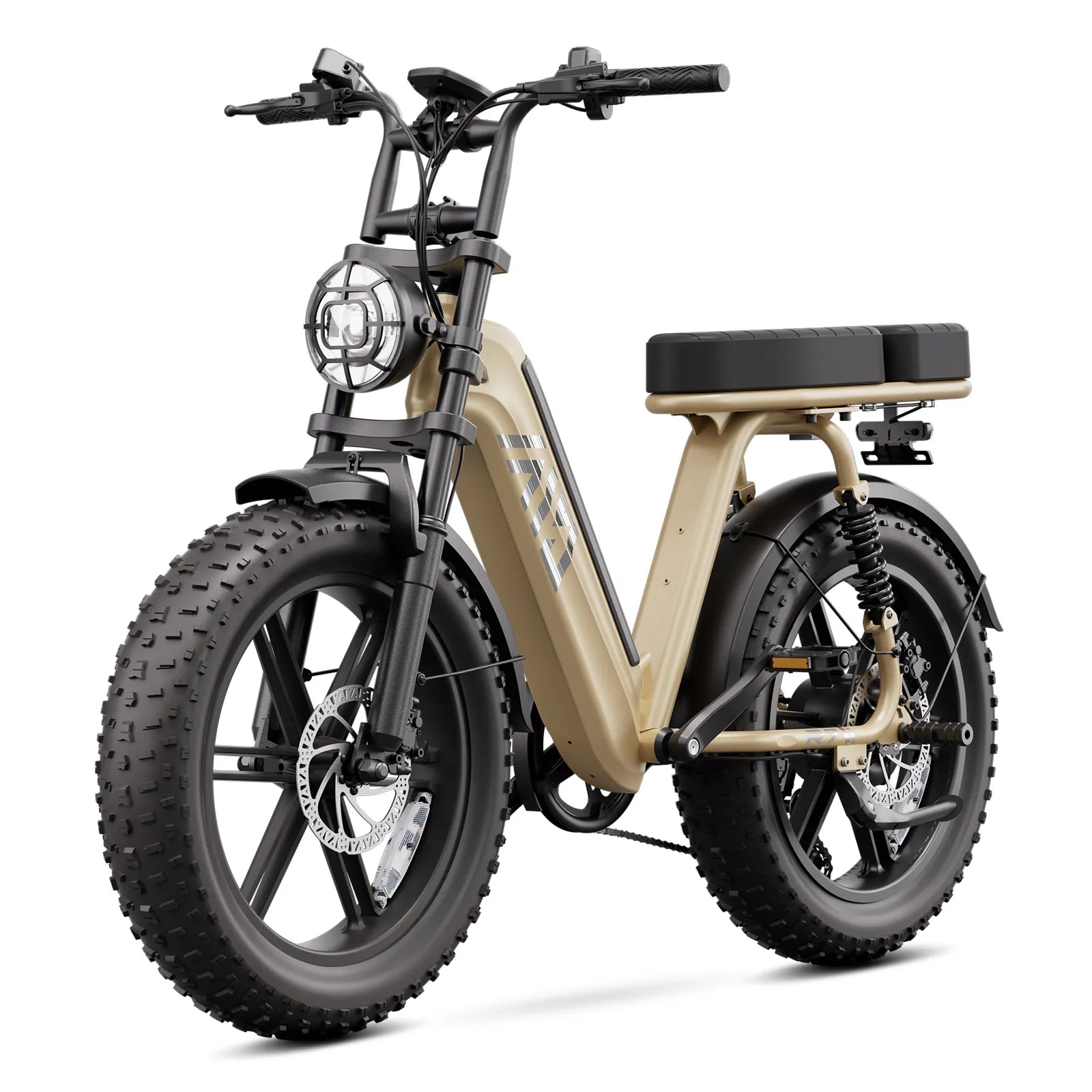
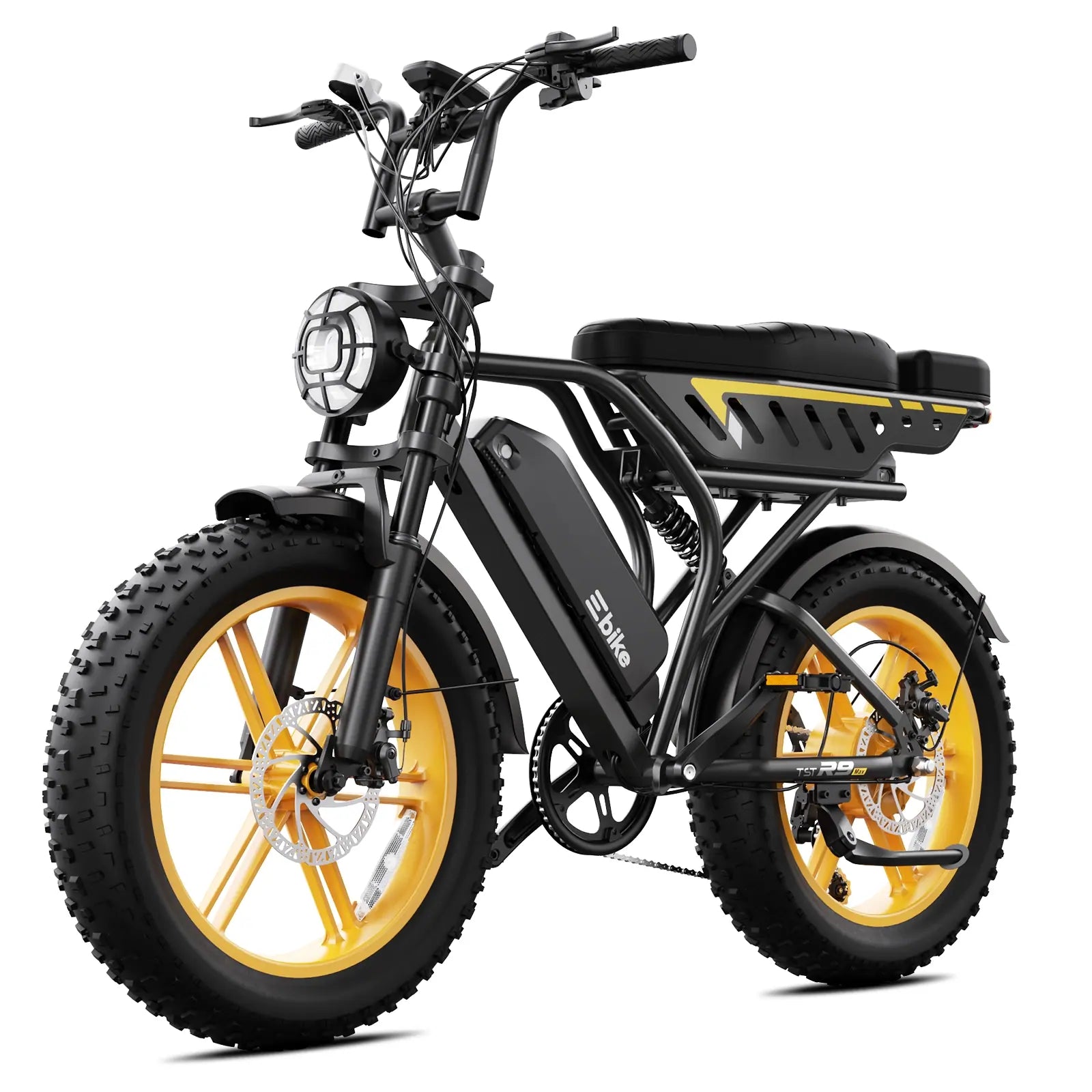
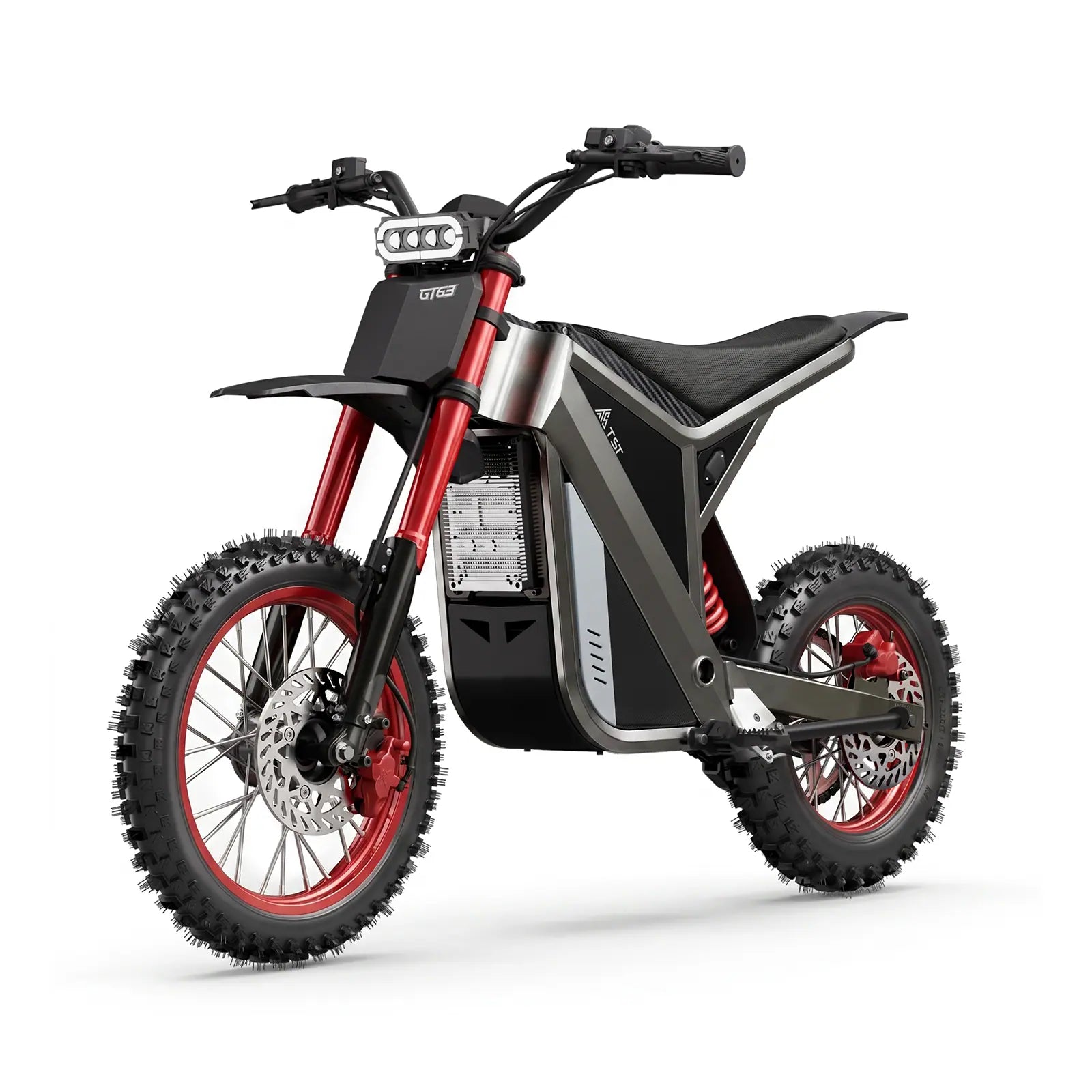
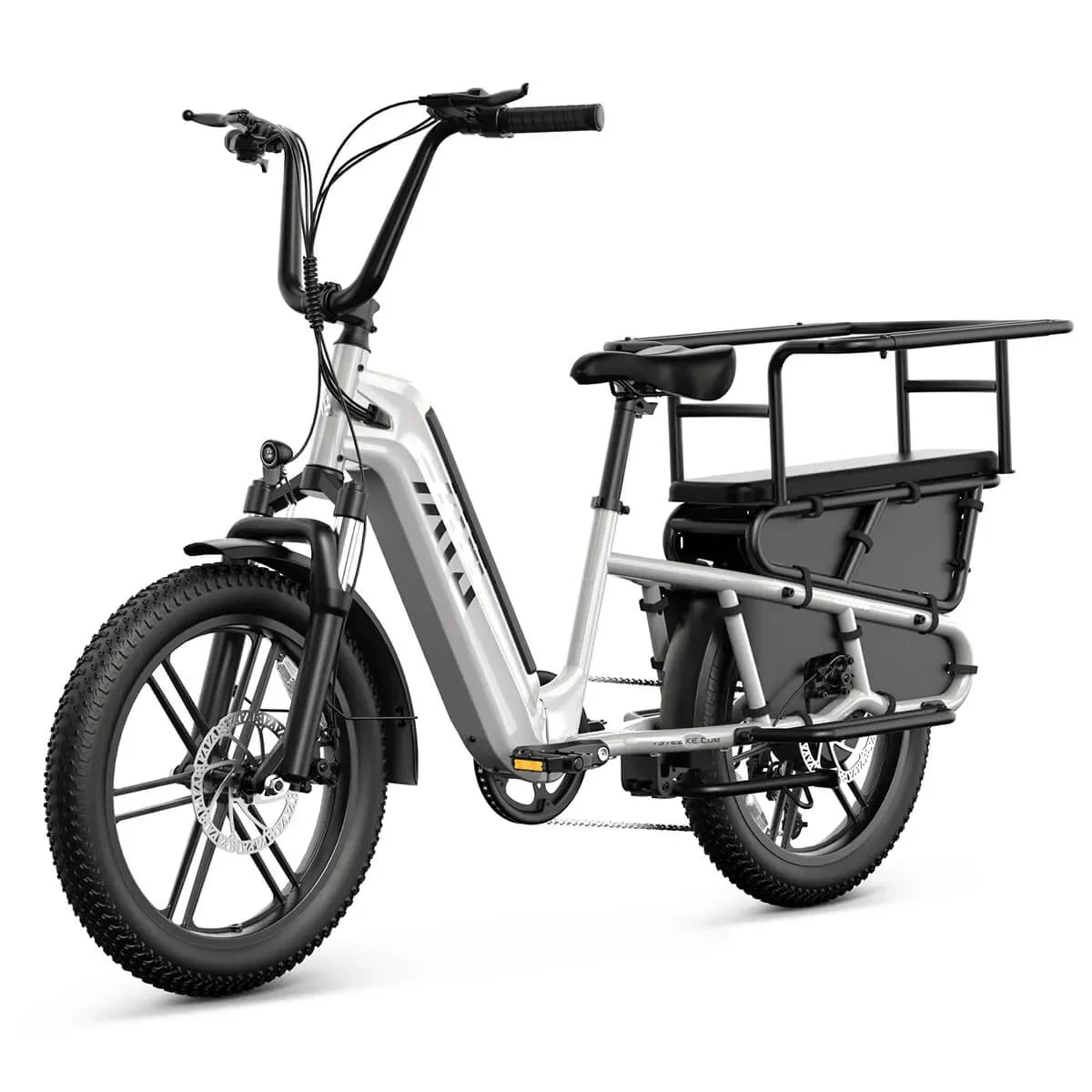
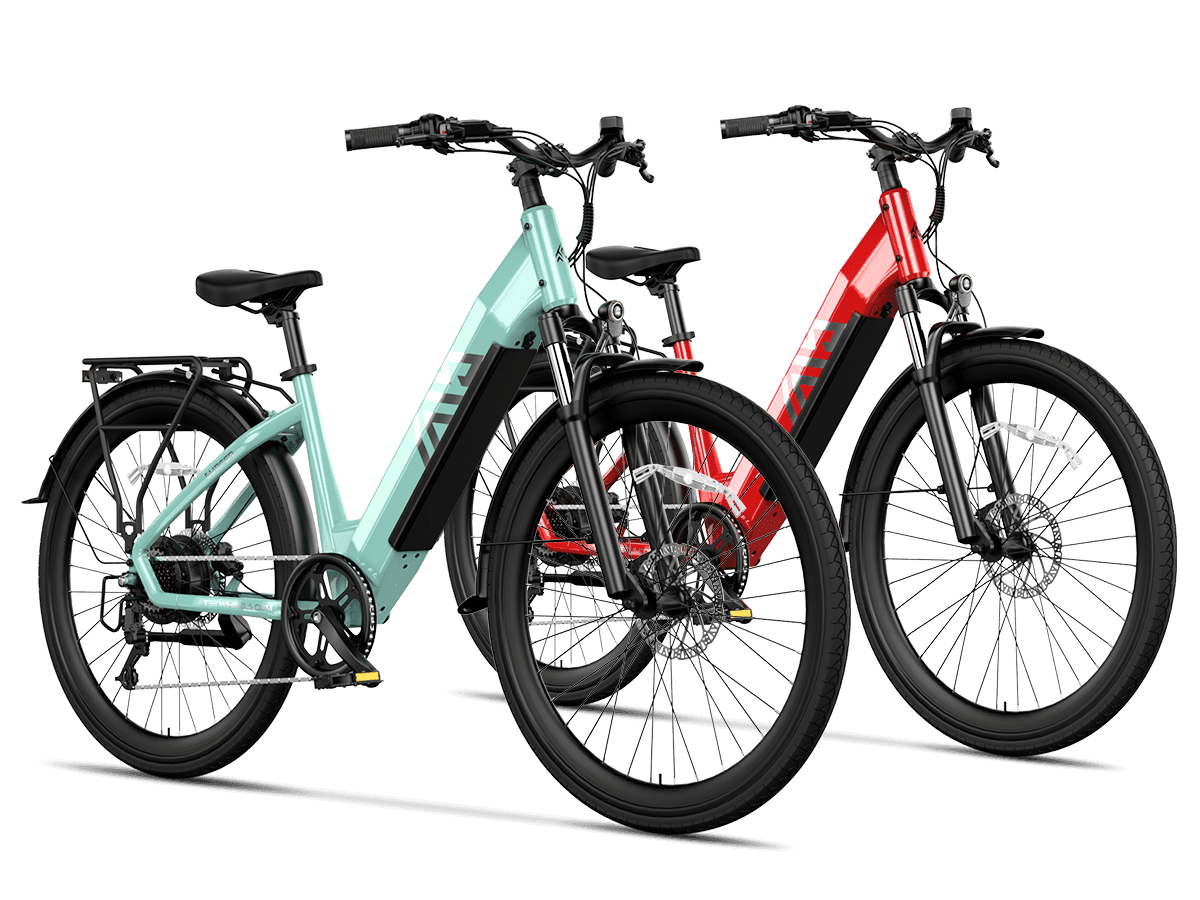
You can program your moped ebike display for smoother, more efficient PAS by entering the hidden P-settings menu, correctly setting P01–P09, and fine-tuning PAS-related options like assist levels, sensitivity, start mode, and speed limit. With careful incremental changes and test rides, you align display logic, controller behavior, and your riding style for maximum efficiency.
How do you safely enter the LCD P-settings menu on most moped ebike displays?
You typically enter the LCD P-settings menu by turning the display on, then pressing and holding the UP (+) and DOWN (–) buttons together for 2–5 seconds until “P01” appears. From there, you use the power or mode button to move between parameters and the +/– buttons to change values, saving when you exit the menu.
In my experience with generic moped-style e-bike displays, this “UP + DOWN” long press pattern is by far the most common way to access advanced settings. Some displays may use a MODE or “M” button in combination with power, but the logic is the same: once inside, parameters are labeled P01, P02, P03, and so on. Each code controls a key system variable, from backlight to PAS levels.
On TST EBike systems that use similar controllers, I always advise riders to note factory values before changing anything. Take a clear photo of each P01–P09 screen or write them down. That way, if a setting makes the bike feel strange, you can restore a known-good baseline in seconds instead of guessing. Treat the P-menu like BIOS on a computer: powerful, but best approached methodically.
What does each P01–P09 parameter typically control on a moped ebike LCD?
P01–P09 commonly control backlight, units, voltage, auto-off time, PAS level count, wheel size, speed sensor, speed limit, and start mode. P01 is backlight brightness, P02 toggles km/miles, P03 sets system voltage, P04 controls sleep time, P05 chooses 3/5/9 PAS levels, P06 wheel diameter, P07 speed sensor magnets, P08 speed limit, and P09 zero or non-zero start.
Although there are brand-to-brand variations, these mappings have become an informal standard across many LCDs used on moped-style ebikes. As an engineer, I see these as “front-end hooks” into deeper controller logic. For example, P06 (wheel size) and P07 (magnet count) feed into the speed calculation; P05 and PAS-related codes influence how the controller scales motor current relative to your pedal input.
When I’m tuning a TST EBike prototype, I always align P01–P09 with the actual hardware before chasing feel. Get voltage, wheel size, and speed sensor numbers right first; then use PAS grades and speed limit to shape ride behavior. If these base parameters are wrong, no amount of rewiring or sensor swapping will produce accurate speed readings or efficient PAS operation.
Typical P01–P09 parameter overview
How can P05 PAS levels and PAS sensitivity be tuned for smoother acceleration?
P05 PAS levels and PAS sensitivity can be tuned for smoother acceleration by selecting more PAS steps (like 5 or 9) and moderating PAS sensitivity values. More levels create smaller jumps between assist steps, while mid-range sensitivity avoids abrupt motor engagement. Together, they transform on/off-feeling power into a progressive, predictable assist curve.
On many displays, P05 controls how many PAS levels your buttons cycle through: 3, 5, or 9. In the workshop, I often set 5 levels for casual riders and 9 for those who like fine control. Fewer levels can make each step too aggressive; you go from barely any assist to a sudden surge. With more levels, you can match assist more closely to cadence and terrain, which is especially helpful on moped-style ebikes with heavier frames.
Some systems add separate PAS sensitivity and PAS strength codes (often around P11–P13). Low numeric sensitivity values usually mean the system responds quickly to pedal motion; higher values slow down detection. On TST EBike setups, I usually aim for mid-range sensitivity so the motor reacts within a fraction of a crank revolution but not instantly at every micro-movement. This is where factory-floor tuning pays off: small changes in PAS logic can remove the “rubber band” feel many riders complain about.
Why should you avoid changing P03 voltage and other critical safety parameters?
You should avoid changing P03 voltage and other critical safety parameters because they align the controller with your battery and motor hardware. Incorrect voltage settings can cause over-voltage or under-voltage conditions, trigger error codes, damage components, or create unsafe behavior. For most riders, these values should match factory defaults and never be modified.
From a controller engineer’s perspective, P03 is not a convenience setting—it’s a hard configuration that shapes cutoff thresholds and current limits. If you mislabel a 48V system as 36V, the controller might interpret normal voltages as overvoltage or undervoltage, leading to unpredictable cutouts. Conversely, telling the system it’s a higher voltage than it really is can make it push components beyond their safe range.
On TST EBike products, we lock or preconfigure voltage and sometimes P07 speed sensor values before bikes leave the factory. That ensures the LCD can’t accidentally mislead the controller about its own hardware. Riders should focus their customization on PAS-related settings, speed limits, and units—areas where personal preference is safe to explore—while treating voltage class as off-limits unless they’re working side-by-side with a qualified technician.
Where do PAS sensitivity and PAS start strength usually hide in the menu?
PAS sensitivity and PAS start strength usually hide in higher-numbered parameters beyond P09, often labeled P11 for sensitivity and P12 or similar for start strength. Sensitivity adjusts how quickly the system reacts to pedaling, while start strength sets how much power is delivered initially when PAS engages, both crucial for smooth moped-style ebike behavior.
On common LCDs, the visible P01–P09 range covers general system settings, while PAS-specific fine-tuning lives a little deeper. I’ve seen PAS sensitivity defined as a range from 1–24, with lower numbers providing faster response. In practice, values around 8–14 often feel natural: the motor wakes quickly but doesn’t snap on every time you reposition your pedals. Larger values are sometimes used for very cautious riders who dislike sudden surges.
PAS start strength or “start current” determines how hard the motor pushes in the first second or two after activation. On high-torque moped-style ebikes, too aggressive a start can spin the rear wheel or surprise the rider. In TST EBike testing, I use moderate start strength settings for city use and increase them slightly for off-road or hill-focused bikes where riders expect a stronger initial kick. This is an invisible but powerful tuning tool for making PAS feel intuitive instead of mechanical.
How can you program P01–P09 step-by-step for optimal PAS efficiency?
You can program P01–P09 step-by-step for optimal PAS efficiency by first restoring factory defaults, then adjusting non-critical settings in a logical order: units (P02), wheel size (P06), PAS levels (P05), speed limit (P08), and start mode (P09). After each group of changes, perform test rides to confirm smoother PAS engagement and accurate speed readings.
My typical shop flow looks like this: enter the P-menu with UP + DOWN, confirm P03 voltage matches the battery, then set P02 to your preferred units. Next, I dial in P06 wheel size based on tire label and measure against GPS over a known distance, fine-tuning if necessary. Once speed is accurate, I move to P05 to select 5 or 9 PAS levels, balancing user simplicity with control.
Only after the fundamentals are correct do I adjust P08 and P09. Speed limit should match local regulations and the rider’s comfort; on many moped ebikes, riders find that slightly lower limits than maximum yield better range and less abrupt cutoffs. For P09, I often set non-zero start for safety in crowded urban environments—requiring a bit of pedaling before throttle engages—while explaining to riders how this interacts with PAS. TST EBike customers appreciate that this methodical approach solves multiple issues at once: range, comfort, and safety.
Which P-settings have the biggest impact on PAS feel and efficiency in daily riding?
The P-settings that most affect PAS feel and efficiency are P05 (PAS level count), P06 (wheel size), P08 (speed limit), P09 (start mode), and any extended PAS sensitivity/start strength parameters. Together, they control how smoothly power ramps, how accurately speed is measured, and how efficiently the motor assists within your preferred cadence and speed range.
P05 shapes granularity: more levels mean smaller jumps and easier fine control over assist intensity. P06 and P07 ensure the controller’s view of speed matches reality; if they’re wrong, PAS can cut off too early or stay engaged too long. P08 caps effective assist speed, which directly influences both legal compliance and battery consumption—higher limits can feel fun but drain batteries much faster.
From an engineering standpoint at TST EBike, PAS sensitivity and start strength are where we “dial in the personality” of a bike. Two bikes with identical motors and batteries can feel entirely different if these values are tuned differently. For commuters, I bias toward smoother, slightly less aggressive starts; for performance-oriented riders, I lean into more immediate response while keeping overall current limits within safe, sustainable ranges.
Why does correct wheel size (P06) and speed sensor (P07) matter for PAS efficiency?
Correct wheel size (P06) and speed sensor (P07) matter for PAS efficiency because the controller uses speed to decide when and how much to assist. Incorrect values distort speed readings, causing PAS to cut out unexpectedly, deliver power at inappropriate times, or miscalculate distance and range, all of which reduce overall riding efficiency and user trust.
If P06 is set too small, the system thinks you’re going faster than you are; PAS may cut out early, and your display will show inflated speeds. If it’s too large, the opposite happens: PAS might continue assisting beyond legal limits, and distance readings lag reality. P07 is equally important: it tells the controller how many pulses to expect per wheel revolution from the motor or sensor. A mismatch leads to jittery or inconsistent readings.
On TST EBike test benches, I often cross-check P06/P07-derived speed against calibrated rollers and GPS data. Once these basics are dialed in, PAS “feels smarter” automatically because the controller’s logic now matches the physical world. Many riders assume they need a new motor or sensor when simple P06/P07 corrections can transform PAS behavior and range estimates.
How can you tailor P08 speed limit and P09 start mode for different riding environments?
You can tailor P08 speed limit and P09 start mode by matching them to your environment: lower speed limits and non-zero starts for dense city riding, higher limits and zero start for rural or open roads. Adjusting these settings customizes how quickly power arrives and where assist tapers off, aligning safety and efficiency with your typical routes.
In cities, I often recommend setting P08 just below the legal assist limit and using non-zero start (P09 = 1) so throttle only engages after a few pedal strokes. This combination reduces unexpected launch behavior at traffic lights and makes the bike feel more predictable around pedestrians. In tight spaces, smoothness and control matter more than absolute speed.
For riders in less crowded areas, a slightly higher P08 (within legal limits) and zero start (P09 = 0) can make hill starts easier, especially on heavily loaded moped-style ebikes. When dialing this in on TST EBike platforms, I also consider rider experience: beginners usually appreciate more conservative settings at first, while experienced riders may want quicker response. The key is to revisit P08 and P09 as your skills and routes evolve instead of treating them as set-and-forget values.
What are TST EBike Expert Views on programming PAS via LCD P-settings?
TST EBike views LCD P-settings as a powerful but often misunderstood tool for aligning PAS behavior with real-world riding. Instead of chasing maximum speed, the focus is on calibrated settings that deliver predictable, efficient assist and protect both rider and hardware. Proper use of P01–P09, especially PAS-related parameters, is central to our tuning philosophy.
TST EBike Expert Views
“When I sit down with a rider to tweak their LCD P-settings, I’m not trying to ‘unlock’ hidden power—I’m trying to unlock predictability. A properly programmed display makes PAS feel like an invisible teammate: it knows when to help, when to back off, and how to stretch every watt-hour of battery. On the factory side at TST EBike, we pre-set voltage, wheel size, and base PAS logic, then encourage riders to adjust only what they can feel: assist levels, sensitivity, and speed limits. That’s how you turn a generic moped-style ebike into a tailored, efficient transport tool instead of a twitchy toy.”
How should you test and refine your P-settings after programming them?
You should test and refine your P-settings by performing controlled rides on a familiar route, observing PAS onset, power ramps, and cutoff behavior, then adjusting one parameter at a time. Focus on how quickly assist engages, how smooth transitions feel, and whether speed and distance readings match expectations, making incremental changes until the bike feels intuitive.
I advise riders to create a short “calibration loop”—a mix of flat, gentle climbs, and at least one stop–start scenario. Ride it with your initial settings, paying attention to how many crank degrees it takes for PAS to engage, how strong levels 1–3 feel, and whether assist stops abruptly at a particular speed. Note anything that feels jerky, delayed, or inconsistent, then change only one related parameter (e.g., PAS sensitivity or P05 levels) before repeating.
For TST EBike customers, I often pair these rides with basic data: average speed, max speed, and estimated range from the display. If tuning leads to higher average speed at the same battery consumption, you’re gaining efficiency. If range drops significantly with no real comfort improvement, PAS may be too aggressive. This iterative test–adjust–retest cycle is the hallmark of professional tuning and is far more effective than copying random P-setting lists from the internet.
FAQs
Can I damage my ebike by changing P-settings?
You can if you alter critical parameters like voltage or wheel size incorrectly. Stick to PAS levels, sensitivity, speed limits, and units, and always record factory values before making changes.
How do I know if my PAS sensitivity is too high or too low?
If PAS kicks in abruptly at tiny pedal movements, sensitivity is too high; if it requires several crank turns to respond, it’s too low. Aim for engagement within about half a pedal revolution.
Should I use 3, 5, or 9 PAS levels?
Use 3 levels for simplicity, 5 for most riders, and 9 if you want very fine control over assist. More levels mean smoother steps but require more button presses to reach higher assists.
Does changing P08 speed limit increase top speed legally?
Raising P08 can raise assist speed, but local laws still apply. Exceeding legal assist limits may make your ebike non-compliant; always check regulations before increasing speed settings.
Will resetting to factory settings fix PAS problems?
Often yes. Restoring default P-settings can resolve issues caused by accidental changes. If problems persist, the PAS sensor, wiring, or controller may need professional inspection.

Leave a comment
This site is protected by hCaptcha and the hCaptcha Privacy Policy and Terms of Service apply.