

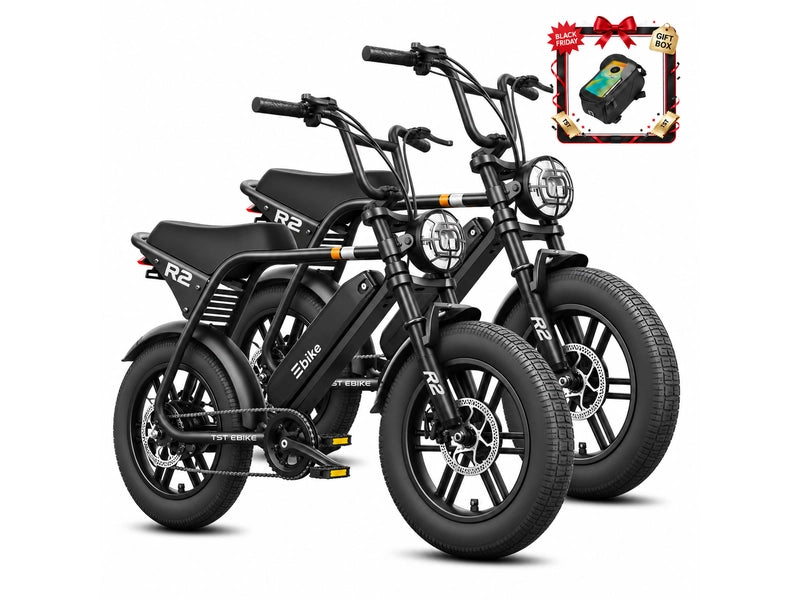
Start by looking for warning signs, then identify the exact model and battery, then do only the external checks your manual allows, and contact support with complete notes when the bike still does not respond. A bike with no power is a symptom, not a diagnosis. The cause could be battery seating, a switch position, a display connection, a charger problem or a protective shutdown, and a rider cannot tell these apart from the outside. This guide covers what is safe to check, what a display error or a green charger light does and does not prove, and what to send TST support.
Stop First If You See Warning Signs
Check for these before touching a switch, key or charger. CPSC's micromobility guidance tells riders to check for damage before riding and to follow all manufacturer directions. It also says to use only the charger provided with or recommended by the manufacturer, and never to use a device with a battery pack that has been modified or reworked by unqualified personnel or that uses repurposed or used cells.
Treat any of the following as visible damage or abnormal behavior, and do not charge or retry the bike:
-
a swollen, cracked, leaking or visibly deformed battery
-
a battery or charger that is unusually hot, or a burning or chemical smell
-
scorched, melted or corroded battery contacts or charge port
-
signs that the bike or battery was submerged or soaked, or took a hard impact
If a battery is smoking, burning or extremely hot, leave the area and call local emergency services instead of troubleshooting.
Also check whether your battery or bike is covered by a recall or stop-use warning. CPSC lists e-bike recalls and product safety warnings on its micromobility page and links to its full recall list. A battery that is damaged, recalled or no longer wanted should never go in the trash or general recycling. CPSC says to take lithium batteries to a local battery recycler or hazardous waste collection center, and to follow the disposal instructions in the CPSC notice if the product is recalled. Battery problems can be reported on SaferProducts.gov.
Identify the Bike Before Anything Else
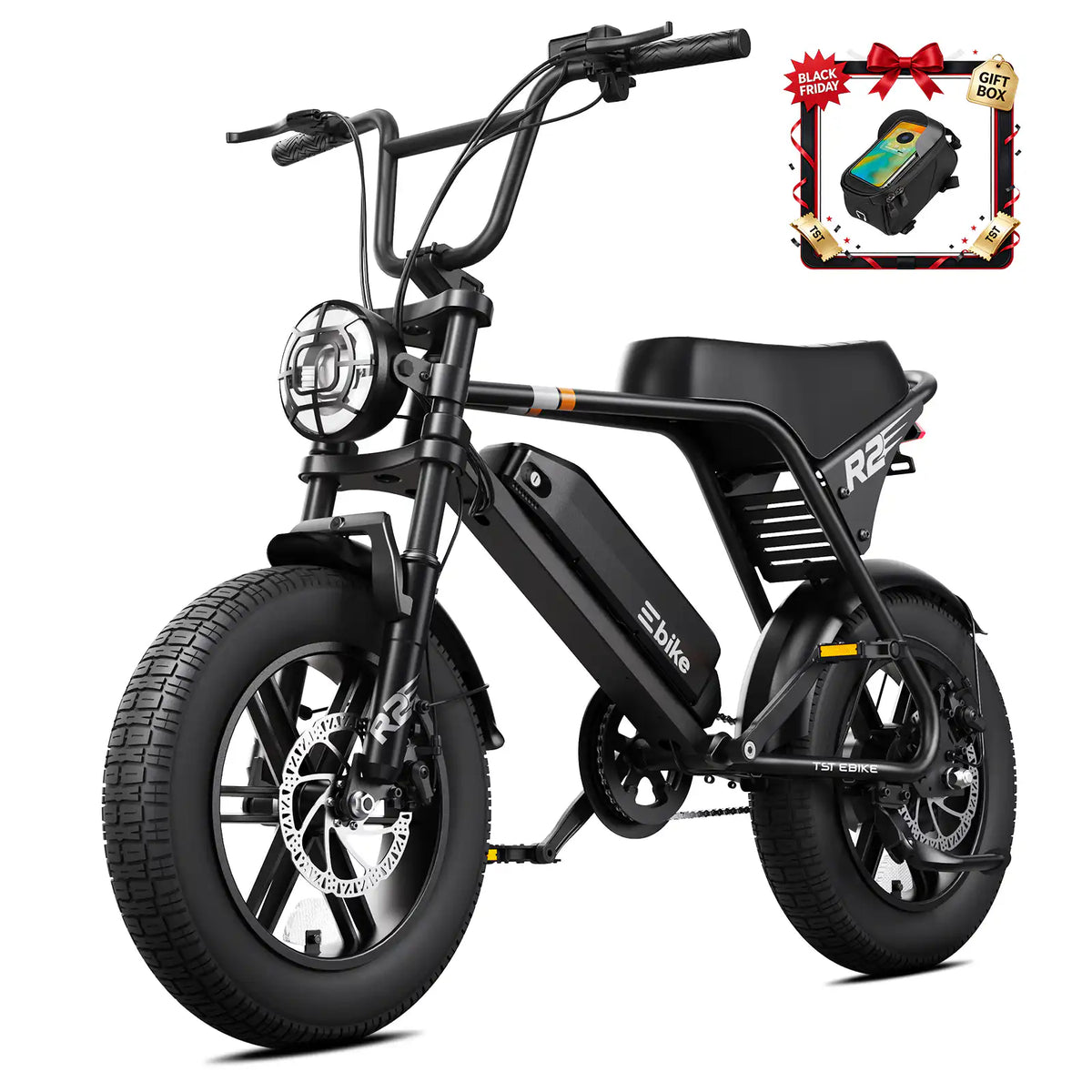
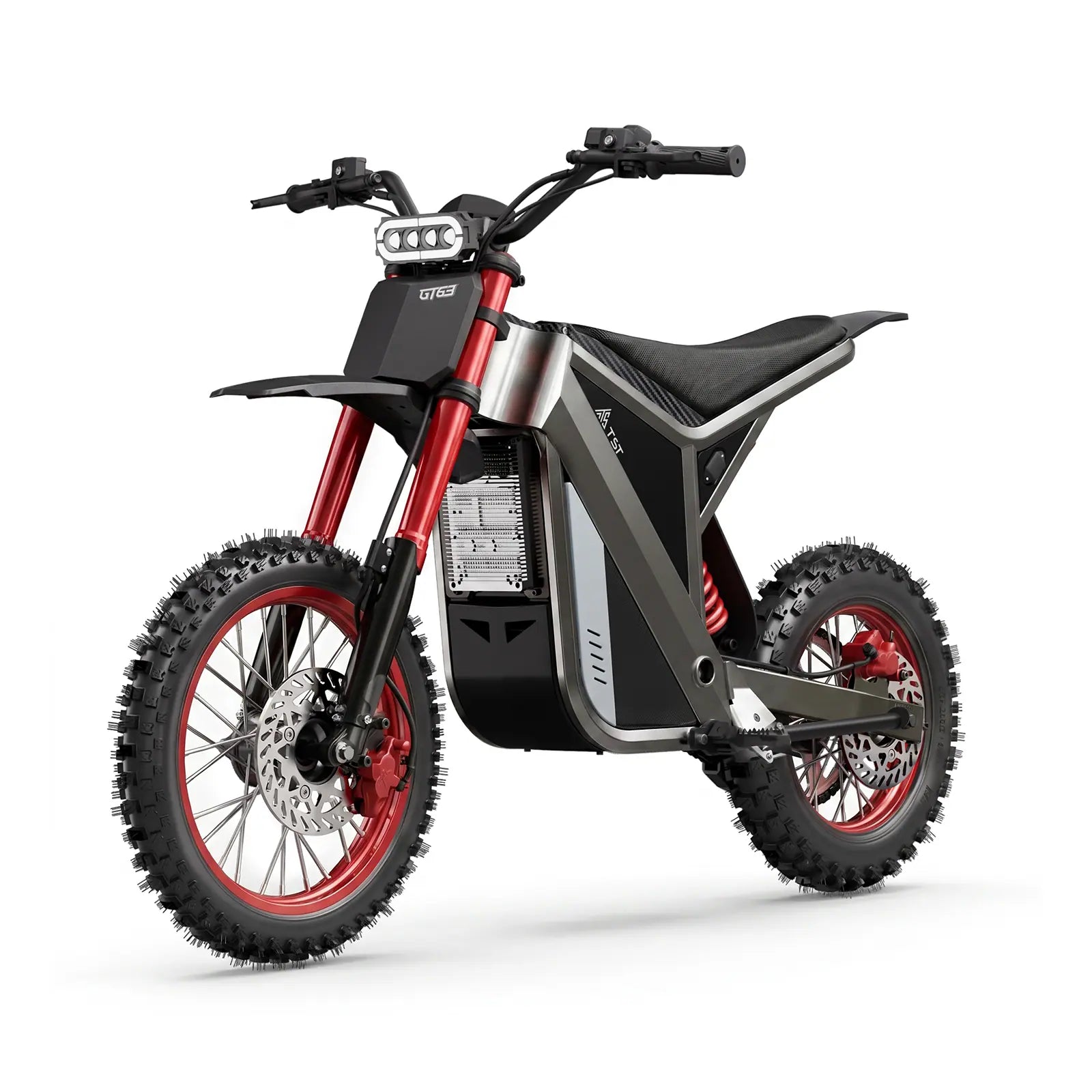
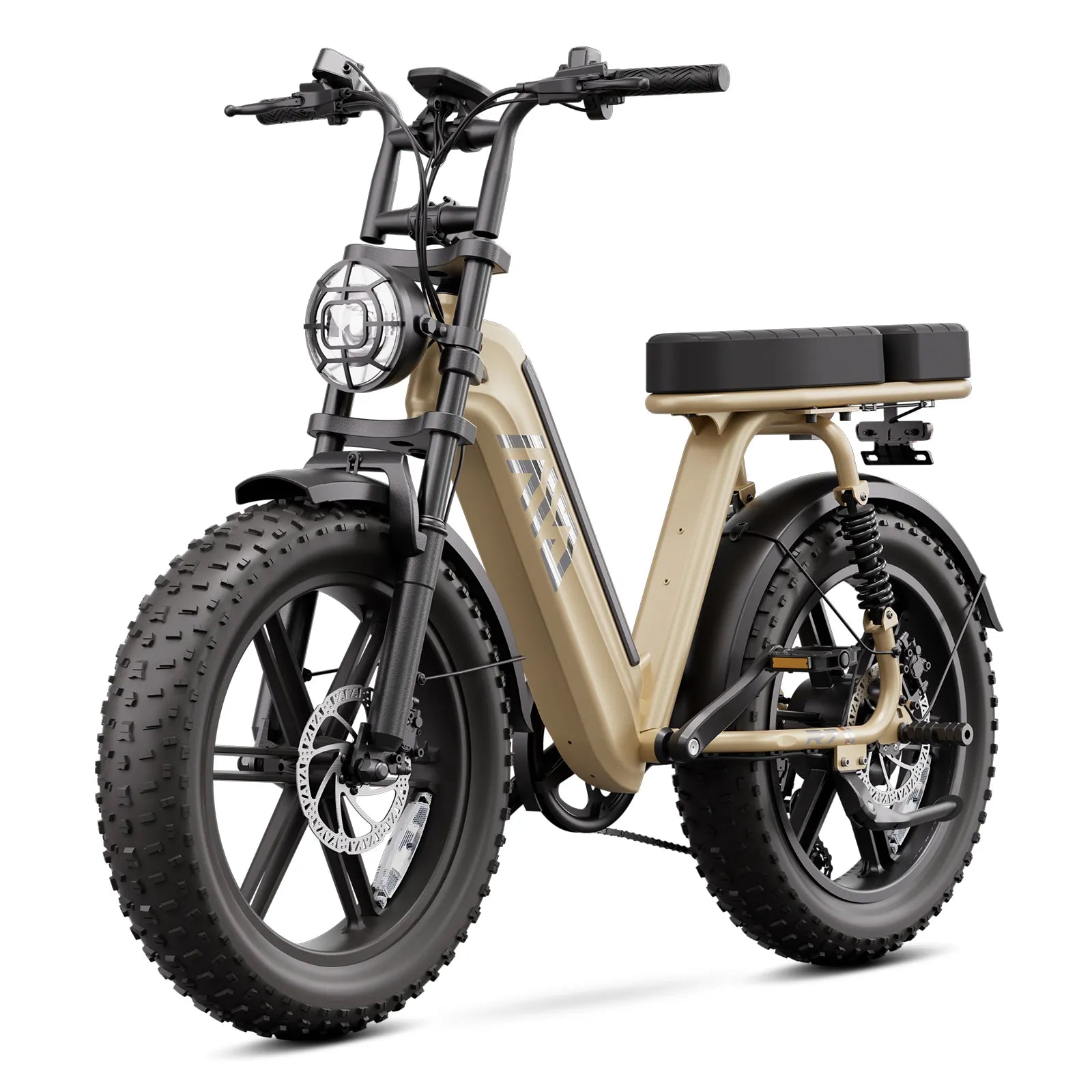
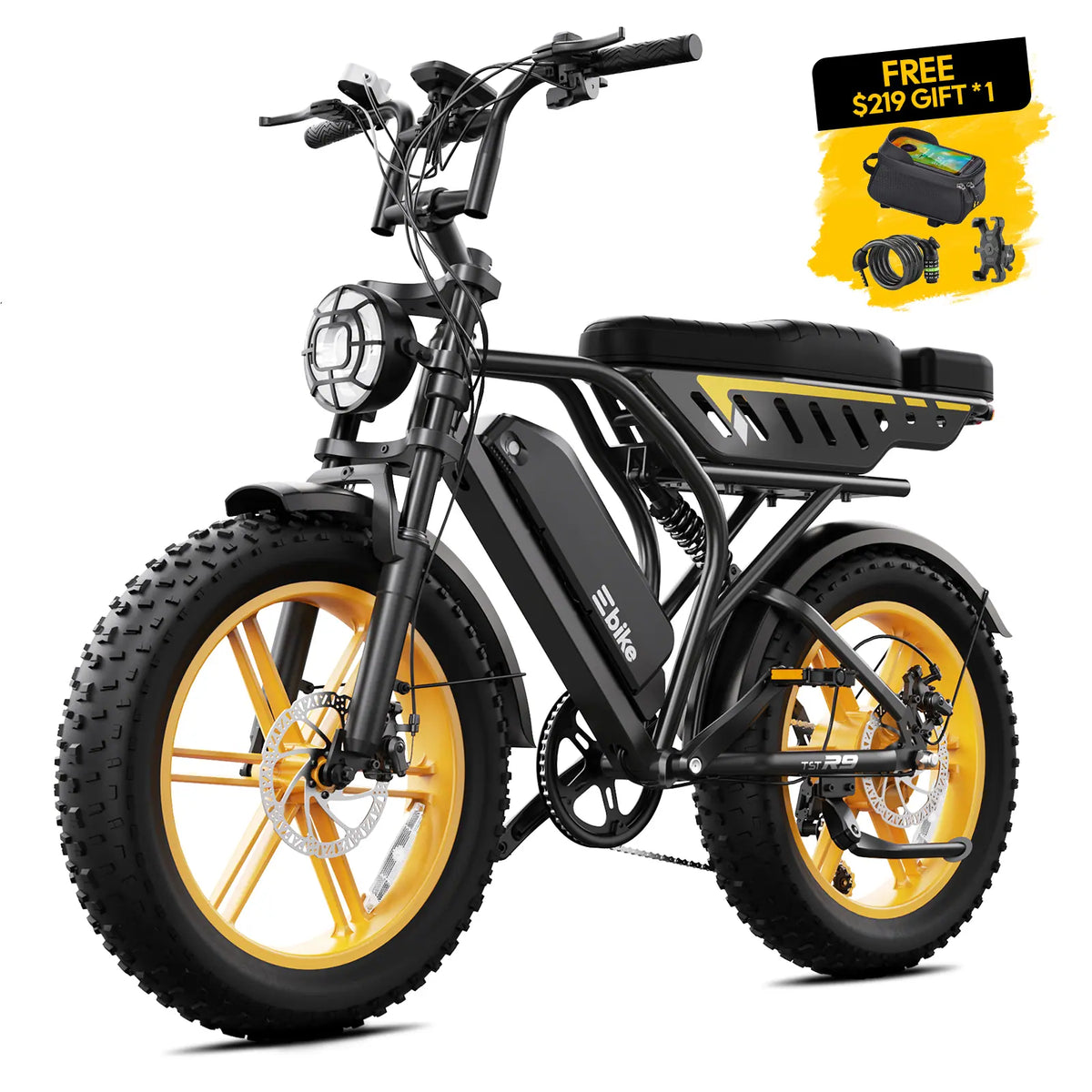
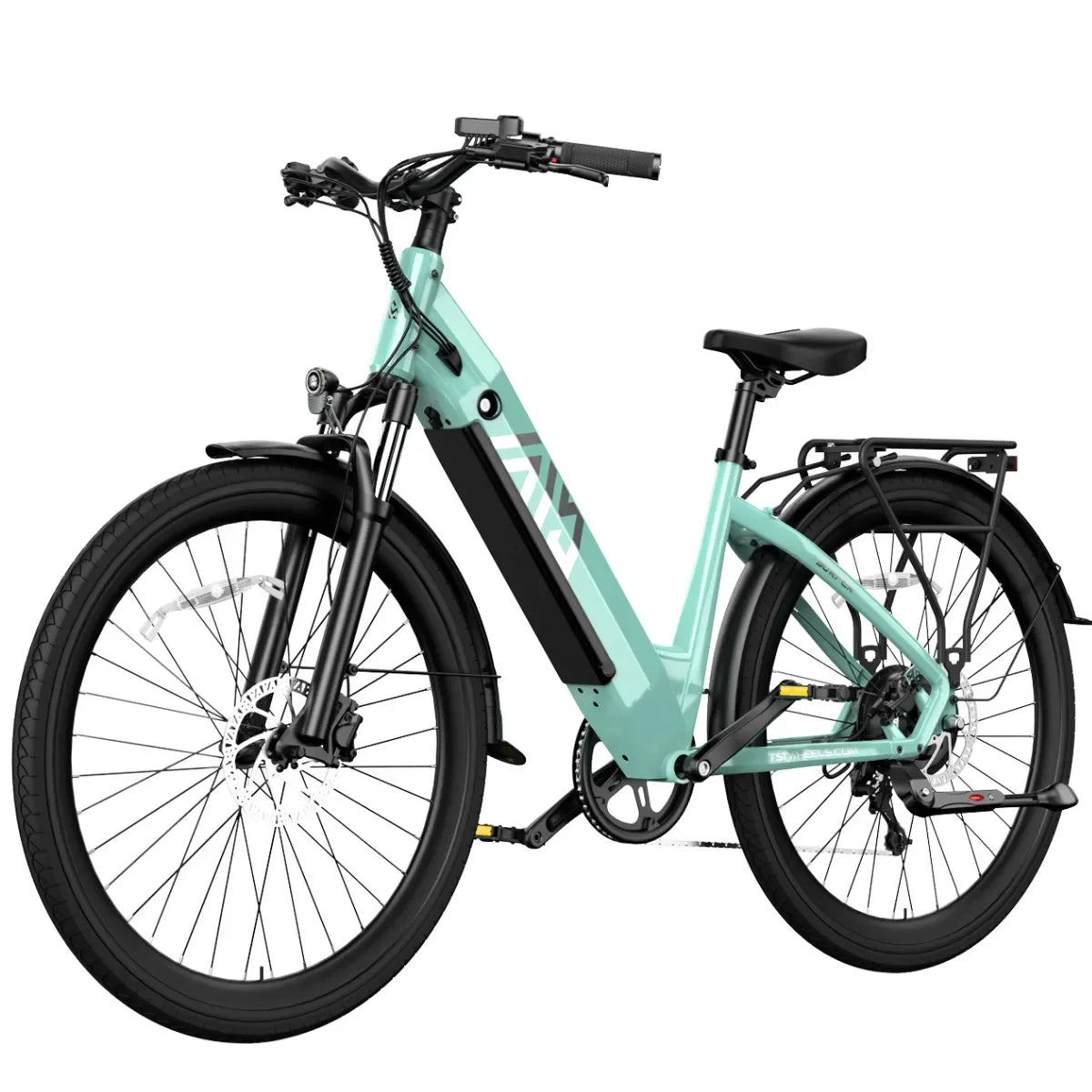
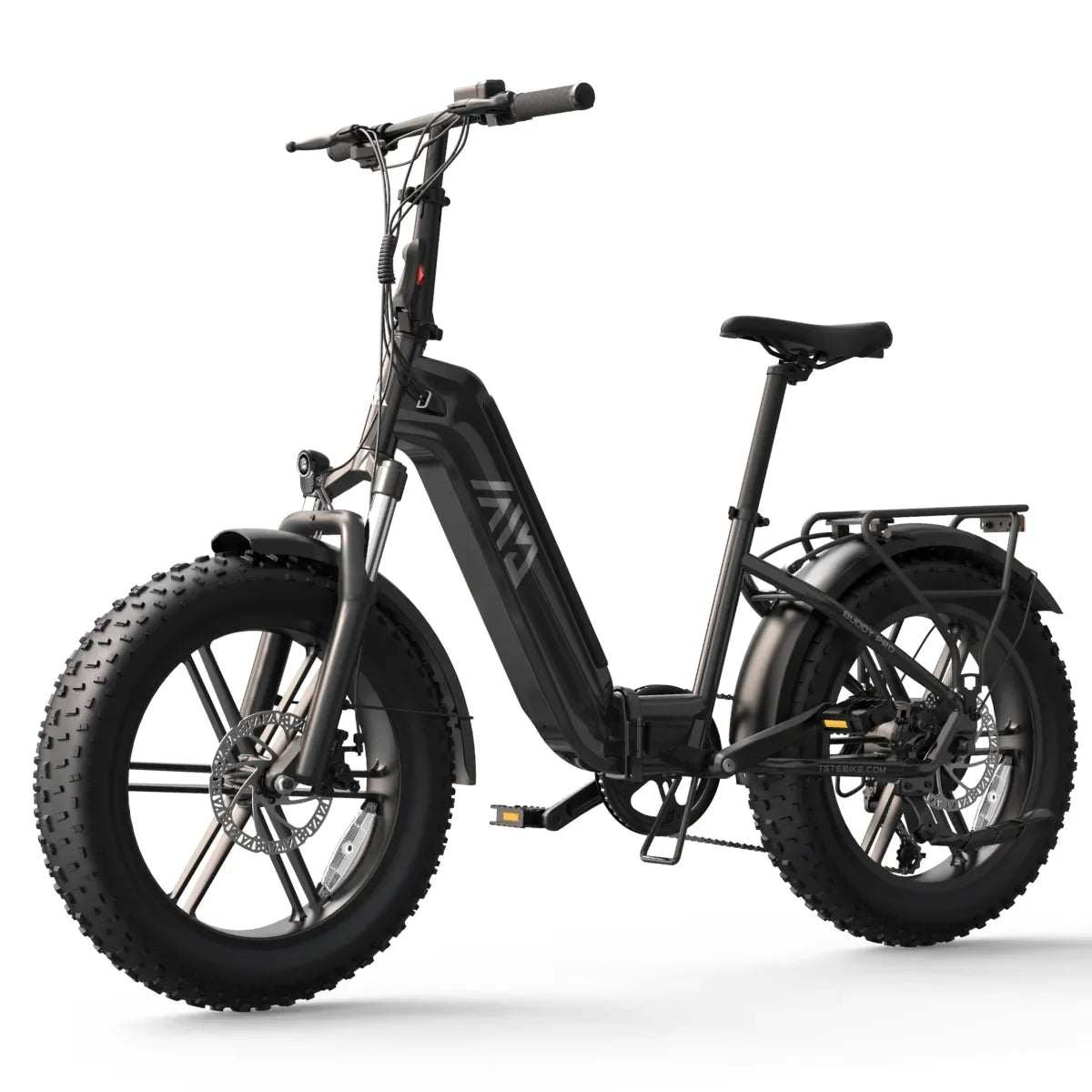
Support cannot help with "my TST won't turn on." TST's Setup & Support page lists separate manuals for the R002, R9, R7, Carrier, GT63, Surfer, Flyer, Buddy Pro and R2 16". TST's accessories pages also include a Defender and Dreamer parts category, so the exact model name and variant matter. Record:
-
the model name and variant (the R002 product page, for example, lists 15Ah and 25Ah battery versions)
-
the battery label and the charger label, photographed in focus
-
the order number, which TST's warranty process asks for
This also matters if a part is needed later. TST's accessories page lists batteries for the R002, R9 and R7 as separate products, and one charger listing is titled for the R9, R7 and Buddy Pro while its web address refers to the R002. Treat that kind of mismatch as a reason to ask support to confirm compatibility before ordering anything. Generic chargers and third-party batteries are not an acceptable workaround, because CPSC's guidance says to use only a manufacturer-provided or recommended charger and a replacement battery confirmed suitable by the device manufacturer.
External Checks the Manual Allows
Use your model's manual for the exact sequence. These are observation steps that need no tools and no opening of any part:
-
Confirm the battery is fully seated and locked in the way the manual describes.
-
Confirm the key or switch position matches the manual's "on" position.
-
Note whether the display lights, flickers or stays dark, and whether the lights or other electronics respond.
-
Look at the charge port and battery contacts for moisture, debris or discoloration, without poking or cleaning inside them.
-
Connect only the supplied charger, in a dry indoor place, and watch the charger's indicator once. Stay present while it charges.
CPSC advises being present while charging and never charging while sleeping or away from home. A single, attended attempt is a reasonable observation. Repeated attempts on a pack that may be faulty are not.
This guide deliberately leaves out opening the battery or charger, probing contacts with a meter, bypassing or resetting the battery's protection circuit, swapping in a higher-voltage or "universal" charger, replacing fuses or wiring, and disassembling the bike. TST's warranty says unauthorized modification ends coverage, and it lists disassembling the bike without direction by TST, and faulty installation, repair or maintenance by anyone other than TST, among its examples. TST's R002 help center does list videos such as restoring factory settings and replacing the controller. Ask support before attempting either.
What Display Errors and Green Lights Do and Don't Prove
A display message or a charger color is a clue to record, not a verdict.
-
Display error or code. It suggests the display has power and is reporting a condition. It does not identify which part has failed. Photograph the exact screen and write down the code, since the same symptom can mean different things on different models.
-
Dark display. It can come from the battery, the key position, a connection or the display itself. The outside of the bike cannot separate these.
-
Charger shows green. A green light does not by itself prove that the battery is full, empty, healthy or accepting a charge. Read it using the manual for your exact model and charger, and record the color, whether it is steady or flashing, and whether it changes when connected to the bike.
Support Intake: What to Send TST
TST's warranty asks owners with a problem to email support@tstebike.com with the order number, the email and shipping address used when ordering, and pictures or short videos of the problem with a brief description. TST states that it will not replace covered components without first seeing photos or video. It also says the Product Support team will initially try to identify simple solutions, and that the bike should not be sent back without emailing first. Support can be reached through TST's contact page or by phone at +1 (626) 878-4885. The warranty page lists Monday to Friday, 7AM to 7PM PST, while the R002 help center lists 7AM to 4PM PST, so confirm hours before calling.
Prepare these notes before you contact support:
| Item | What to record |
|---|---|
| Bike | Exact model, variant, order number, and the email and shipping address used to order |
| Battery and charger | Photos of both labels; how the battery is seated and locked |
| Symptom | What happens when you use the key or switch, power button and display, in order |
| Display | Photo or video of the screen and the exact error text |
| Charger | Light color, steady or flashing, and what it shows with and without the bike connected |
| Recent history | Rain, washing, flooding, a drop or crash, long storage, and extreme heat or cold |
| Damage | Photos of the battery, contacts, charge port, cables and frame |
| Parts and repairs | Any non-TST parts or repairs done by others |
History matters for coverage, so report it accurately. TST's warranty lists water damage to the battery, motor and controller, riding in heavy rain, submerging or washing the bike with high-pressure water, extreme temperature or humidity, and electrical surges among the conditions it does not cover. It also requires owners to notify TST of any unauthorized modifications and any repairs or replacements not performed by TST when ordering service. Support needs the real history to diagnose the problem safely, even where it may affect coverage.

Leave a comment
This site is protected by hCaptcha and the hCaptcha Privacy Policy and Terms of Service apply.