


1
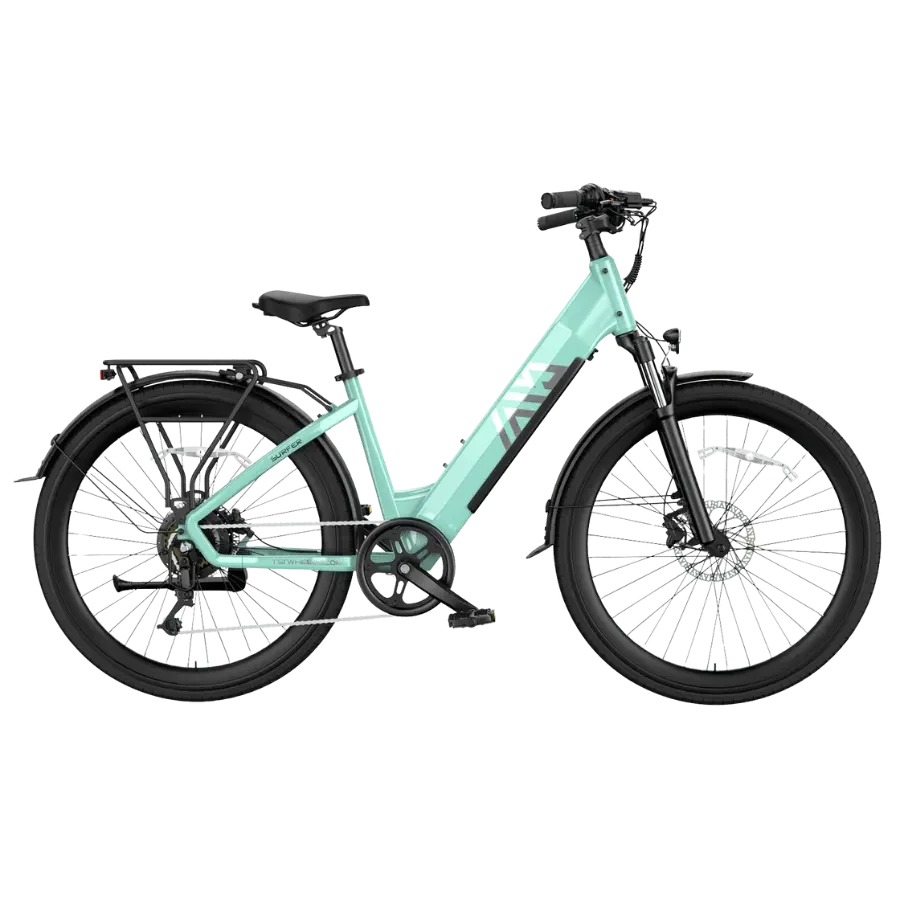
If your TST e-bike won't turn on, work through five external checks in order: battery seating and key lock, charge state, display connection, brake levers, and possible battery protection mode. If none of them changes anything, stop and contact support instead of opening the bike. Your model's manual takes priority, because switch positions, lock locations and connector layouts differ between models.
One rule applies before any check: if the battery is swollen, cracked, leaking, smoking, unusually hot or smells strange, do not charge or ride it. Contact support, and call emergency services if there is smoke or fire.
Quick Guide: Symptom, Check, Next Step
| What you see | Check first | If nothing changes |
|---|---|---|
| Display fully dark | Battery seated, key locked, switch on | Check 2 |
| Dark display, battery should be charged | Original charger, charge state | Check 3 |
| Display lights but no motor response | Brake levers return fully | Check 5 |
| Nothing at bike or charger | Correct charger, protection mode | Contact support |
Battery Locked but No Power: Seating, Key and Switch
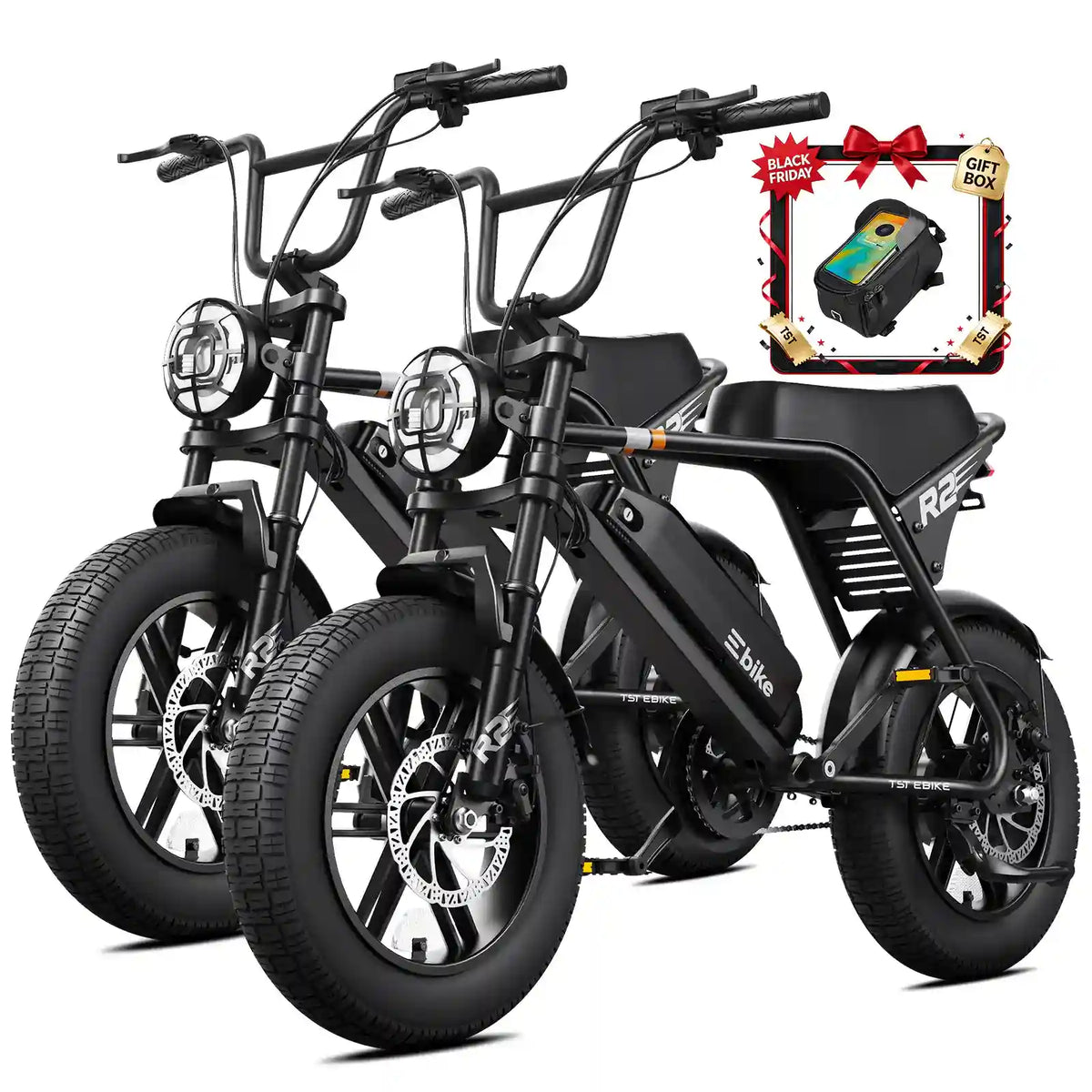
A pack that looks seated may not be fully latched. TST batteries ship with keys and a lock. On the R002, TST's setup guide describes turning the key counterclockwise to release the pack, sliding it in until it seats, and turning the key clockwise to lock it. It also describes a side on/off switch, which must be on. Confirm both in your manual, since placement varies by model.
Refit the pack firmly, lock it, remove the key and hold the power button. Look at the mount and contacts for dirt, moisture or visible damage, but do not probe or scrape them.
Is the Battery Actually Charged?
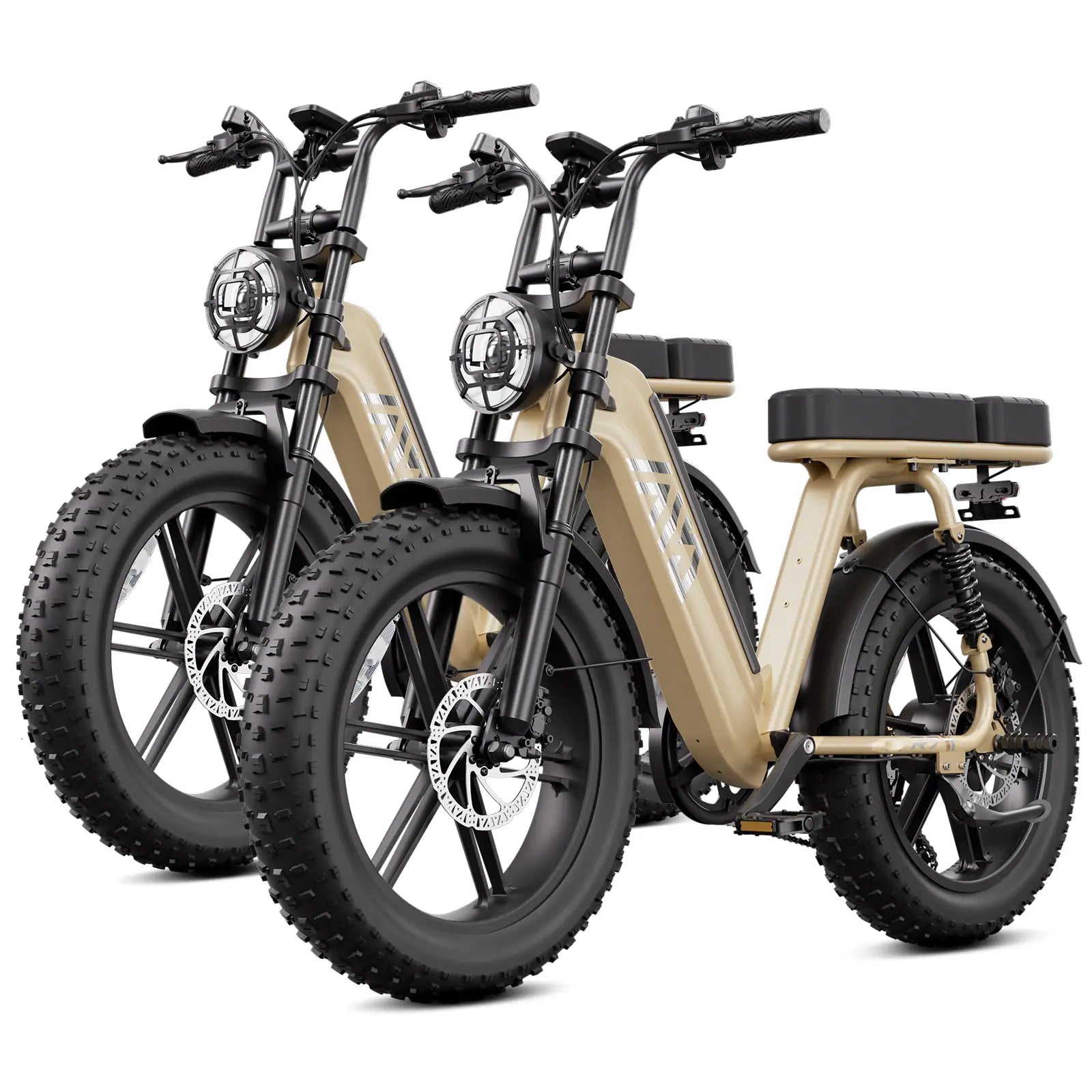
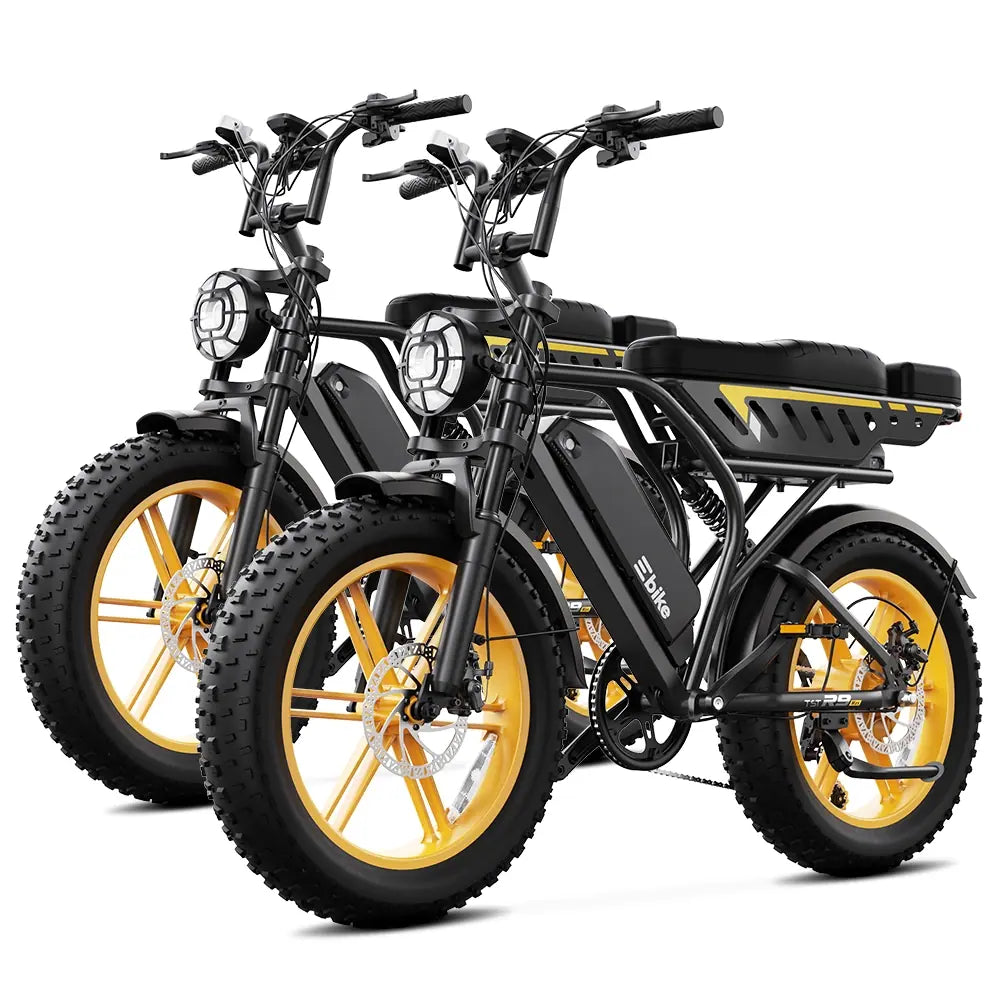
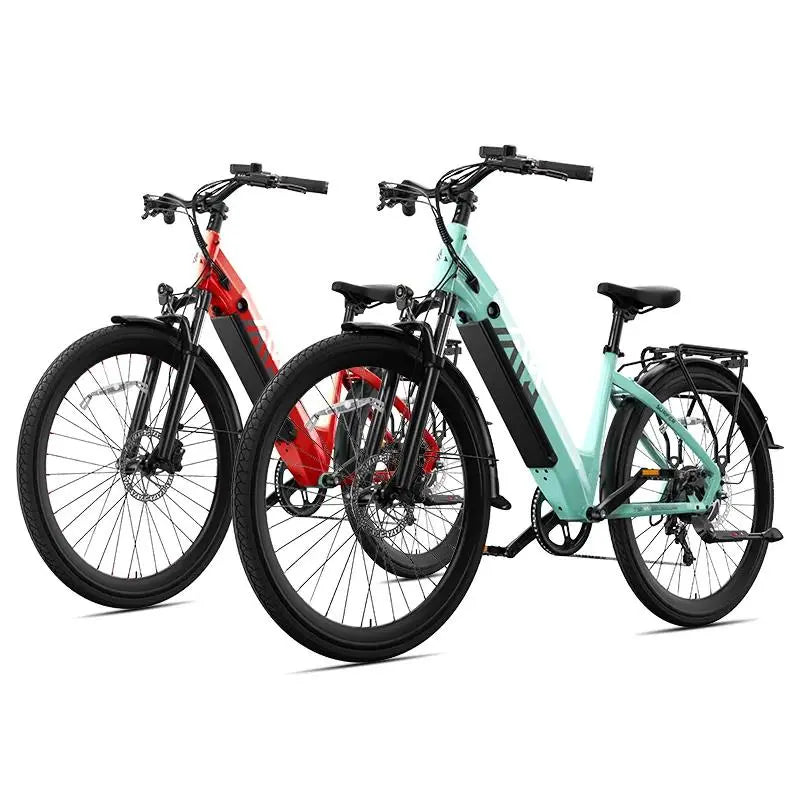
A flat pack looks the same as a failed display. Use only the charger supplied for your model. The charger that covers the R9, R7 and Buddy Pro is a different product from the R002 charger, so a plug that fits may still be the wrong charger. Charge for the time and under the conditions in your manual, then reseat the pack and try again. Note whether the charger indicator and battery lights respond, because support will ask. Do not use a universal or third-party charger.
Display Stays Dark With a Charged Battery
With the battery removed, follow the display cable only as far as you can see it without tools. Look for crushing, sharp bends or strain near the handlebar. If a connector is reachable, check that it sits fully home without forcing it. If reaching it means removing a cover, panel or bolt, stop there.
Could a Brake Sensor Stop the Bike Powering Up?
Some e-bikes cut motor power when a brake lever is pulled, and a lever that does not fully return can mimic a fault. With the bike off, squeeze and release each lever. Both should snap back completely. Look for bent levers, grip contact or a lever pushed out of position. Whether your bike uses cut-off sensors is something to confirm in your manual. Note any brake symbol or message on the display.
When to Stop Checking and Contact Support
Stop if the five checks change nothing, or at any point if:
-
the battery is swollen, hot, leaking or damaged;
-
reaching a part means removing a cover, panel or bolt;
-
the charger and battery show no sign of life after the manual's charging steps.
Do not open the battery, bypass its protection circuit, replace fuses or probe the controller. TST's warranty policy excludes water damage and unauthorized modification, so a home repair can affect coverage.
Photograph or film:
-
the whole bike and the battery in its mount;
-
the battery label and the lock with the key position;
-
the charger label and its indicator while connected;
-
the battery lights, switch position and display;
-
both brake levers at rest.
Add a short note: when it started, any recent transport, washing, rain or storage, and what happened at each check. Send it through TST's contact page, and see the warranty page for what to include with a claim.

Leave a comment
This site is protected by hCaptcha and the hCaptcha Privacy Policy and Terms of Service apply.