
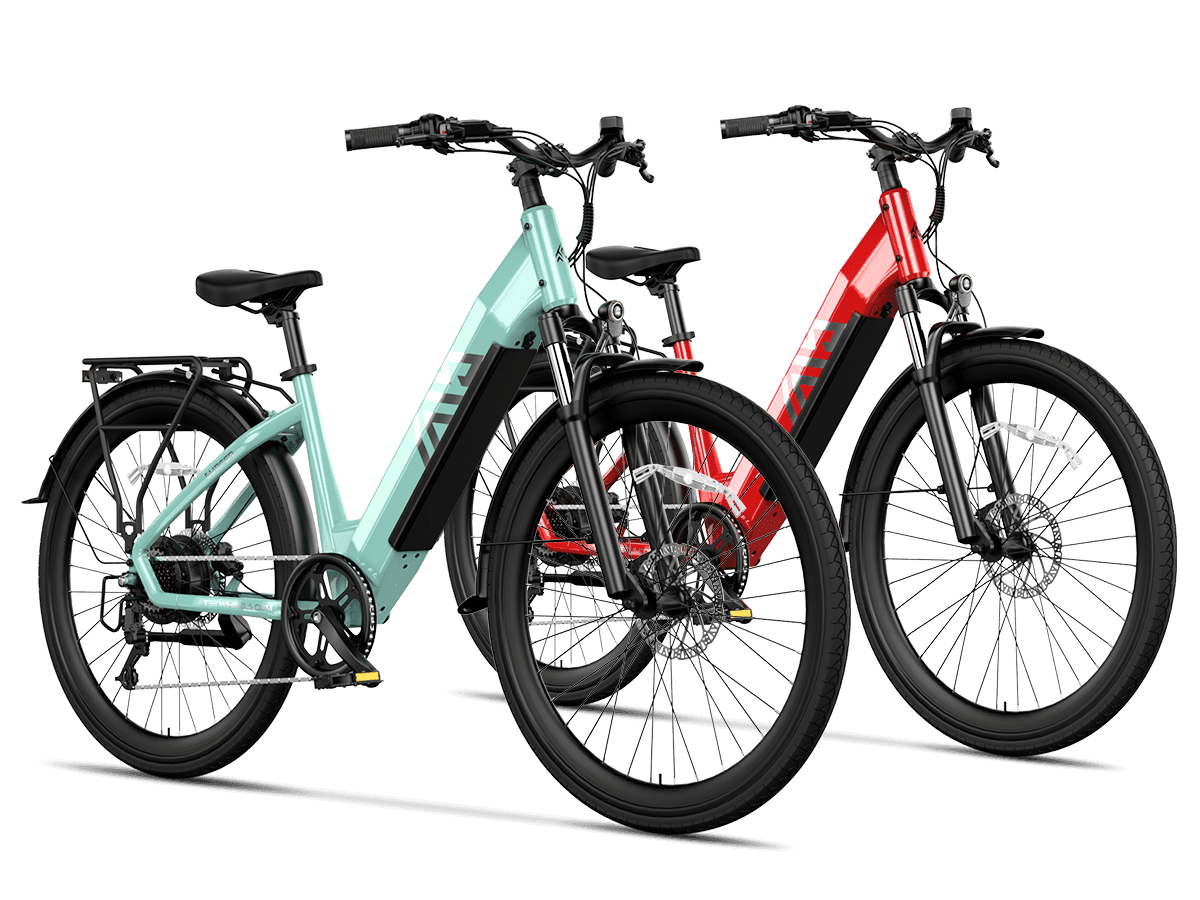
Send support a concise case packet: the exact bike model and variant, purchase and warranty details, a clear symptom description, error codes, when the problem occurs, prior repairs or modifications, charger identity, and safe photos or video. Include serial or battery identifiers only when support requests them and through the support channel—not in a public post. A complete first message reduces back-and-forth and helps support distinguish a settings or connection issue from a component that needs service.
This guide is a source-based preparation checklist for an owner deciding whether to stop riding, perform only a manual-approved check, or contact support. It does not replace your model-specific manual, and it does not authorize electrical diagnosis, battery opening, controller work, speed changes, or unsafe testing.
Stop and contact support first for safety symptoms
Stop riding and disconnect or power down only as your manual safely instructs if you notice a burning smell, smoke, unusual heat, swelling, leaking, cracked casing, damaged wires or connectors, a battery that will not seat properly, or a fire. Do not continue riding, charging, or using the bike to “reproduce” the problem for photos or video. The U.S. Consumer Product Safety Commission advises consumers to use manufacturer-designed and certified equipment and batteries, follow manufacturer directions, and use only the charger provided or recommended by the manufacturer.
For a battery that is damaged, swollen, unusually hot, leaking, smoking, or involved in fire, prioritize immediate safety and follow local emergency guidance. Do not puncture, open, rebuild, modify, or dispose of a lithium battery in household trash; CPSC directs consumers to use a local battery recycler or hazardous-waste collection center instead.
Do not ride a bike with brakes, steering, wheels, frame damage, loose critical fasteners, or an electrical fault that affects control. CPSC specifically recommends checking the handlebars, brakes, throttle, bell, lights, tires, cables, and frame for damage before riding.
Identify the exact bike and variant
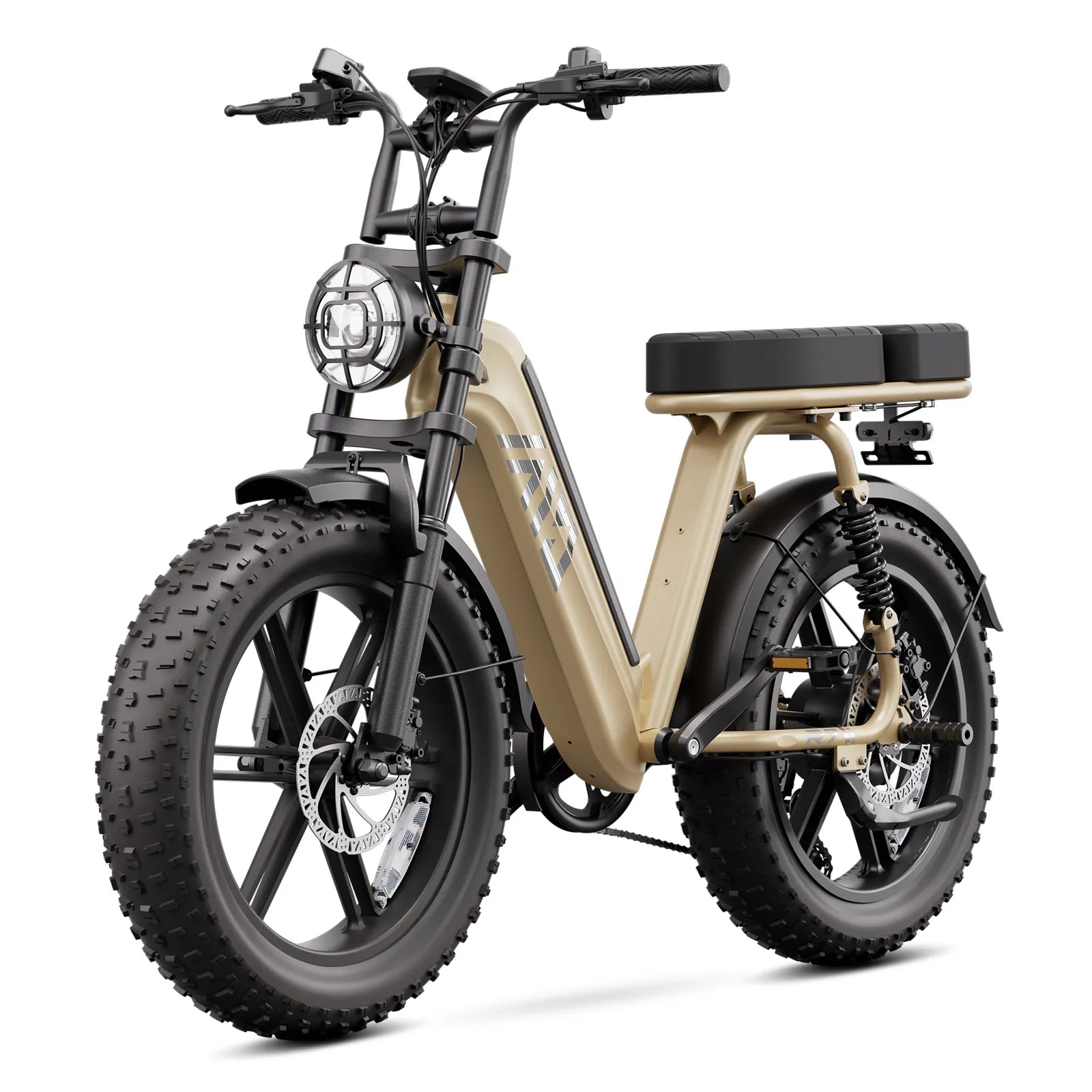
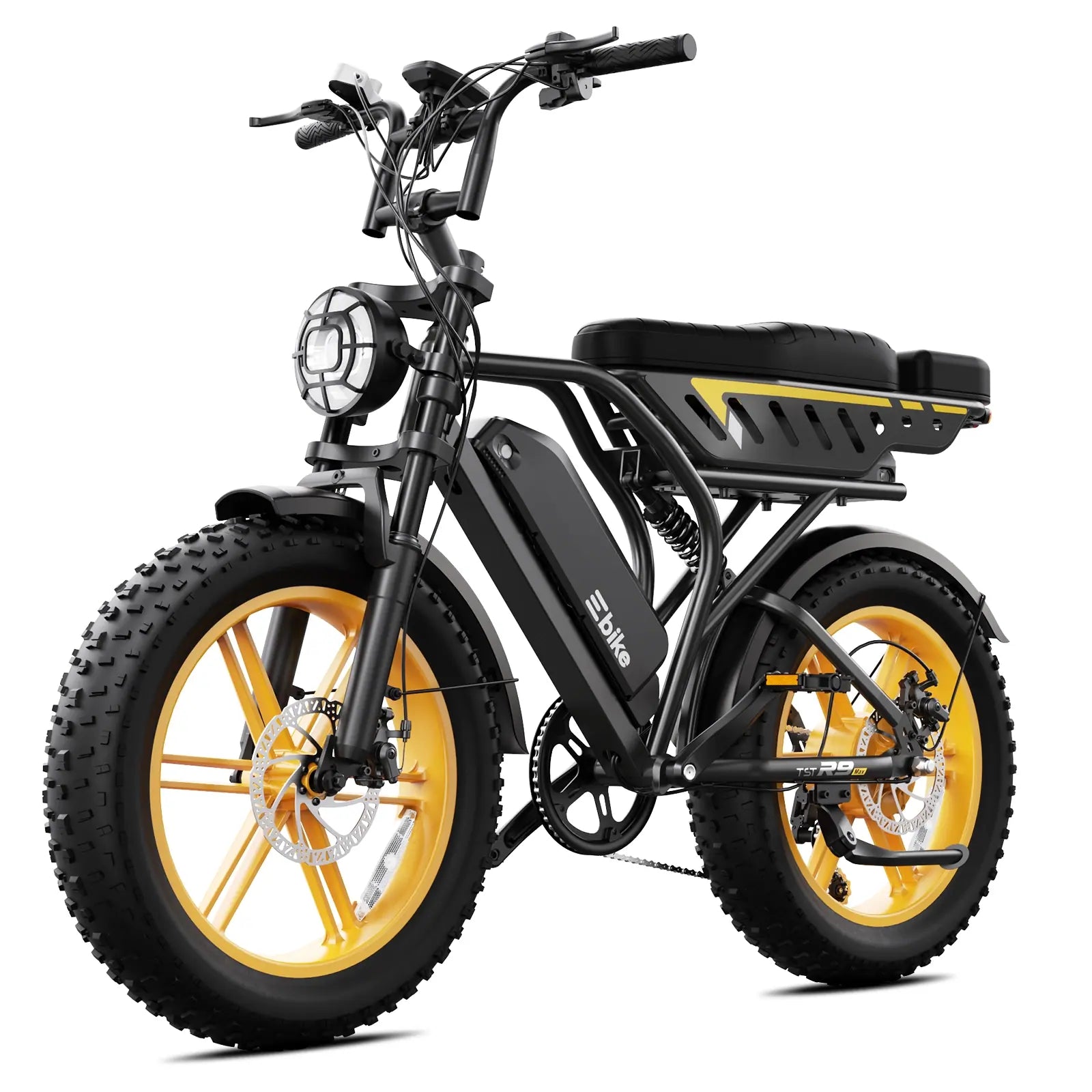
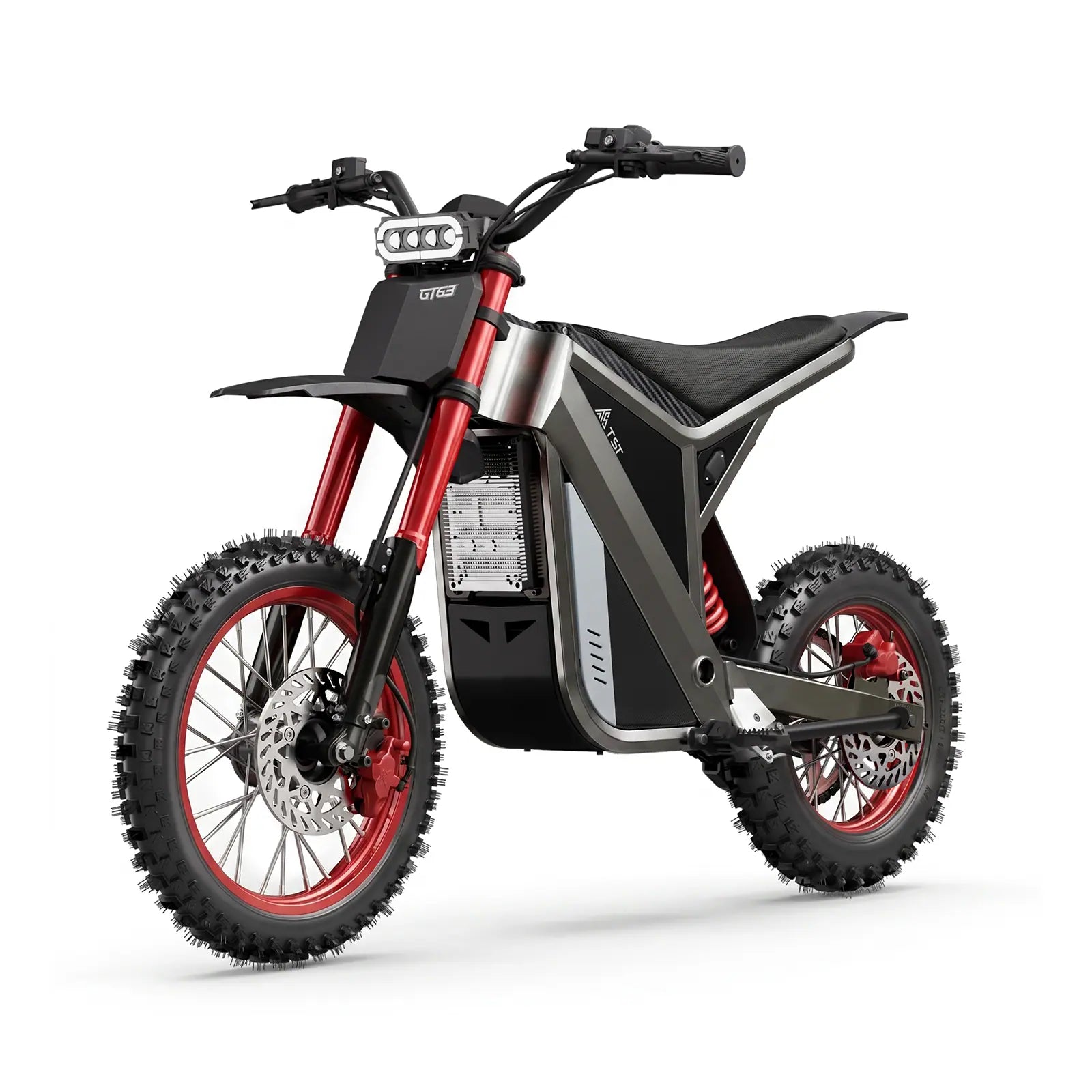
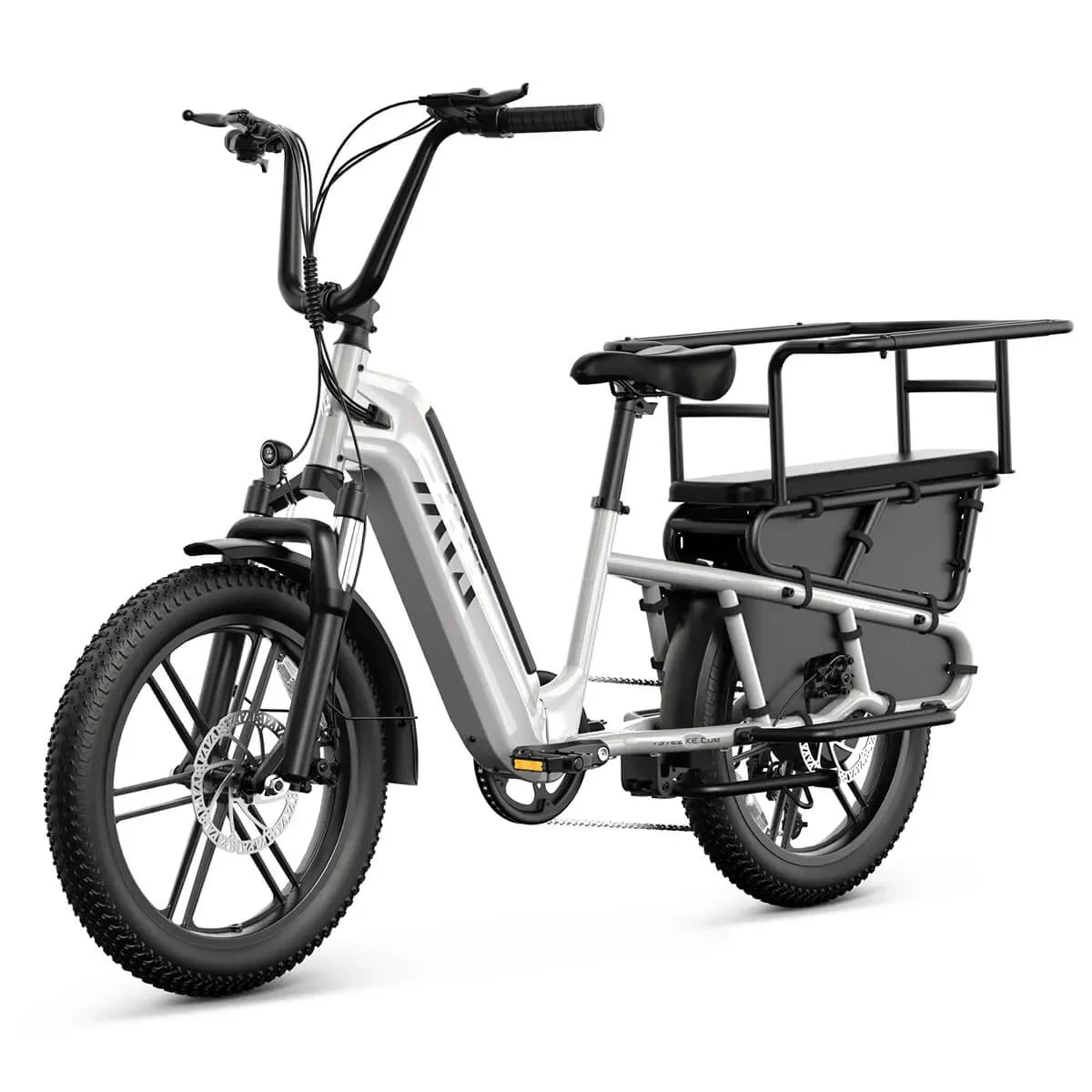
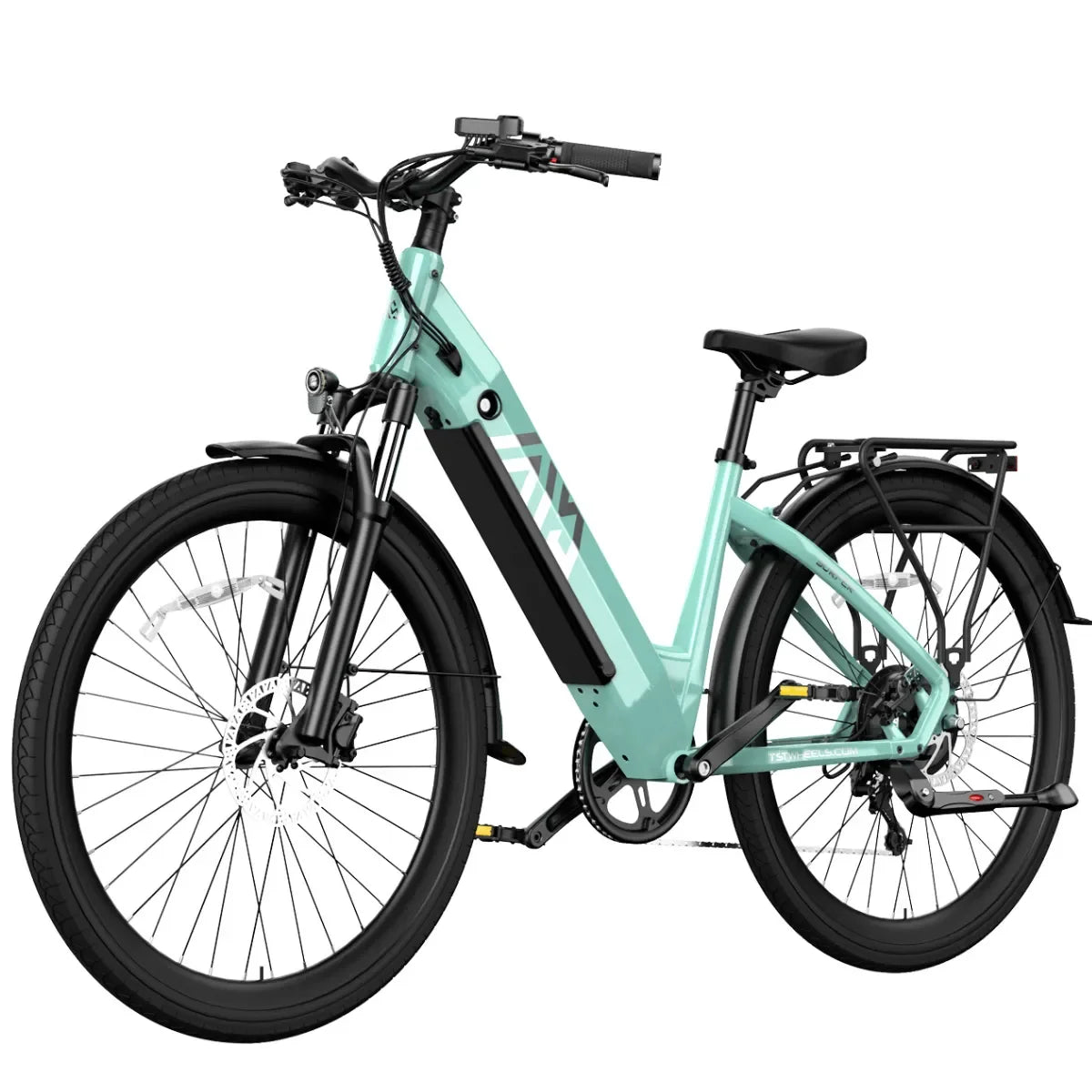
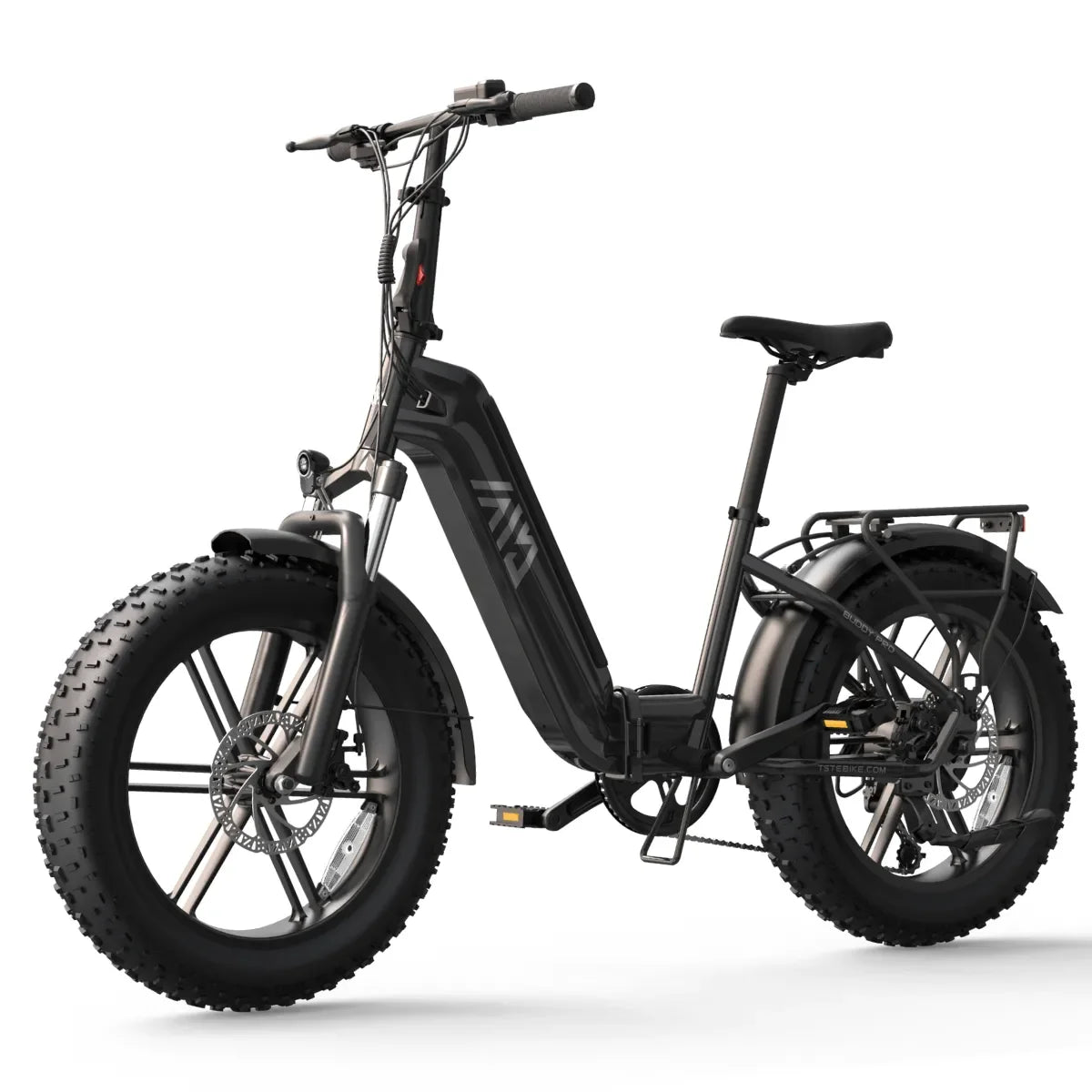
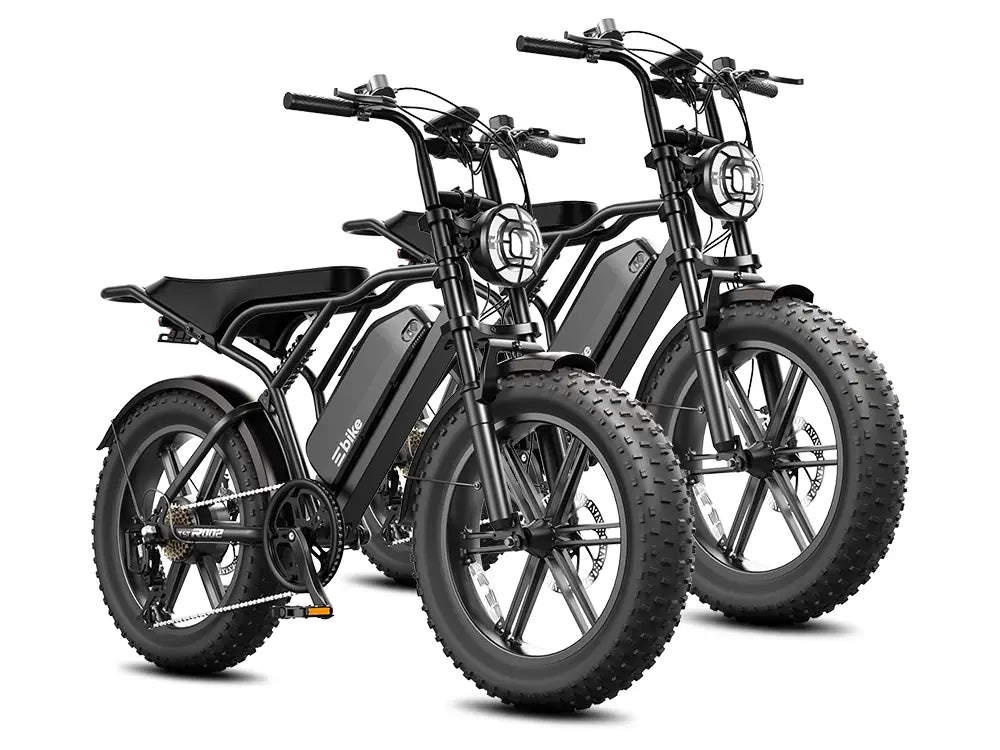
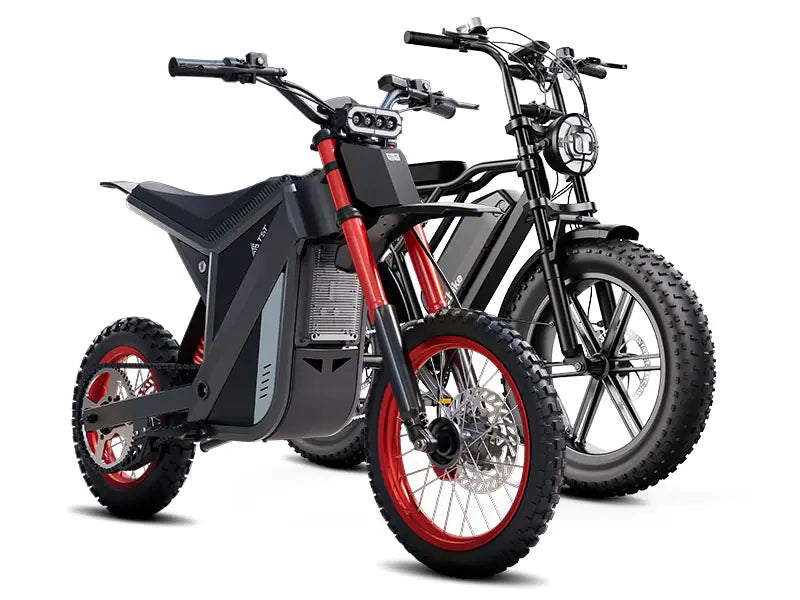
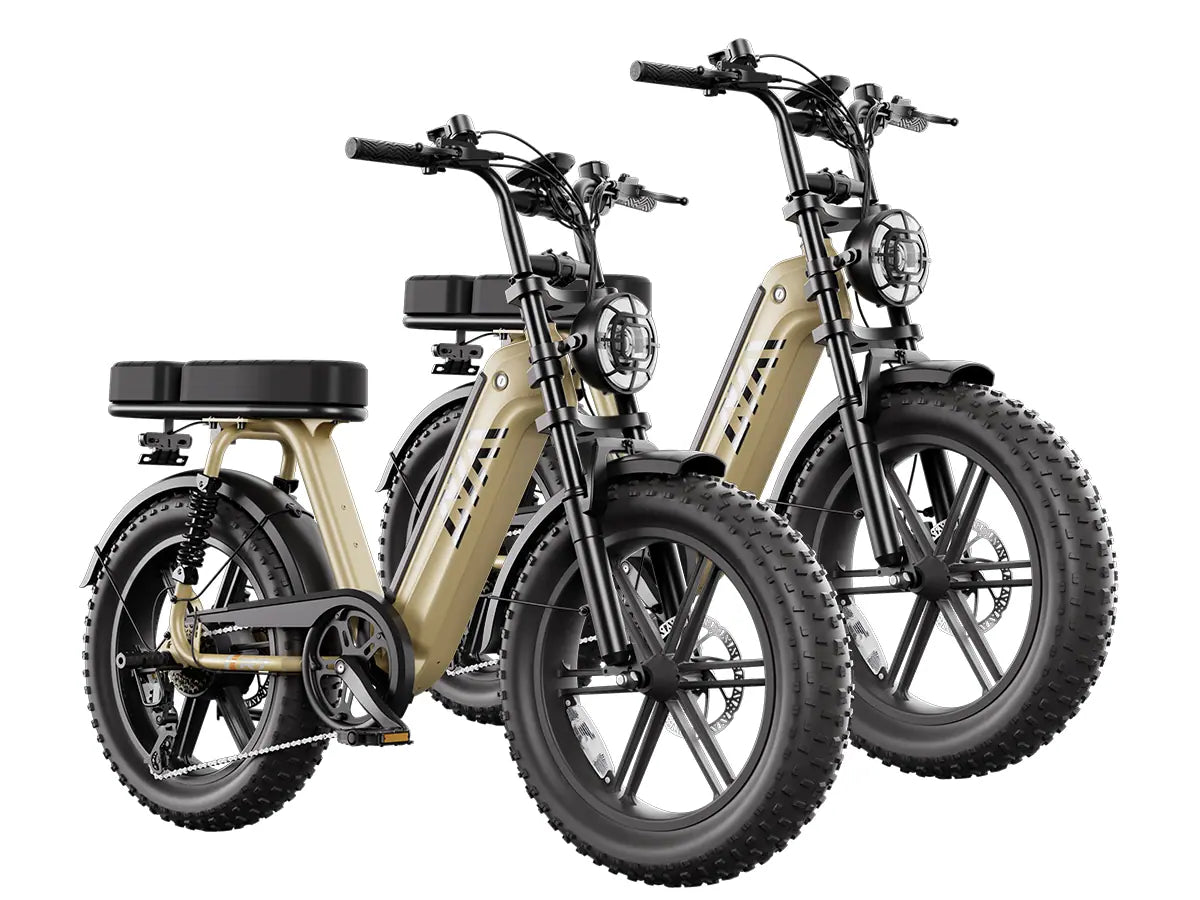
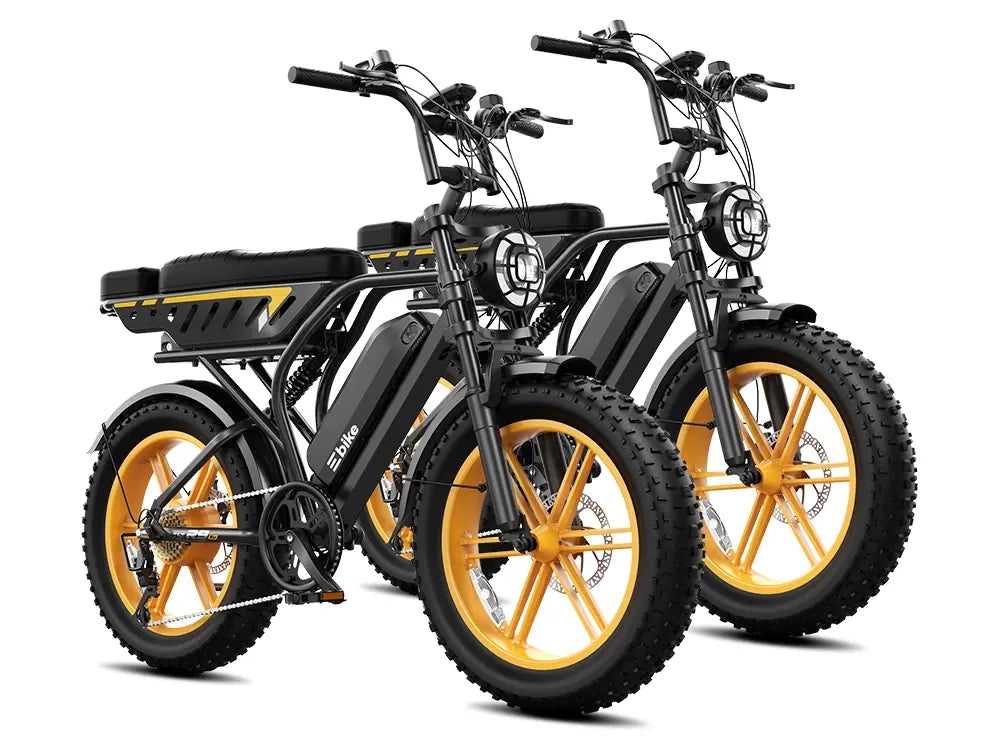
Support cannot reliably match parts, firmware guidance, wiring, or warranty coverage to “a TST e-bike.” Identify the full model name, wheel size or frame style, generation or variant if shown on the bike or order, and whether the bike uses one battery or multiple batteries.
Useful identifiers include:
-
Exact model and variant, such as the model name printed on the frame, display, box, invoice, or product page.
-
Purchase channel: direct from TST’s website, Amazon, an authorized dealer, or another third-party platform.
-
Order number or order ID.
-
The email address and shipping address used for the purchase.
-
Purchase date and, if available, delivery date.
-
Battery count and whether the issue occurs with a particular battery or charger.
TST’s warranty policy asks owners contacting support about a warranty problem to provide the order number or ID, the email and shipping address used at purchase, and photos or a short video with a brief description of the problem. TST also separates support routes by purchase channel: direct website purchases use one support team, while purchases from Amazon, authorized dealers, or other platforms are directed to its general service center.
Keep serial numbers, battery codes, and other private identifiers out of public comments, social posts, and group chats. Send them only through the official support form, email, or phone channel when asked.
Describe the symptom precisely
Write the symptom as an observable event, not a conclusion. “The display shows Error 21 after about ten minutes and pedal assist cuts out” gives support more usable information than “the bike is broken.”
Include:
-
What happens: no power, intermittent power, display error, throttle not responding, pedal assist not engaging, unusual noise, brake warning, charging failure, or another observable issue.
-
When it began and whether it is constant or intermittent.
-
Whether it occurs at startup, while riding, after charging, in a particular assist level, in wet conditions, after storage, or after an impact.
-
Exact error code or message, copied exactly as displayed.
-
Whether the problem affects throttle, pedal assist, display, lights, brakes, charging, or more than one function.
-
What you have already checked, limited to steps your manual or support explicitly approves.
Avoid claiming a cause before support has diagnosed it. For example, “the motor failed” is a hypothesis; “the rear wheel stops providing assist after 15 minutes, while the display remains on” is evidence.
Document conditions and history
A service case becomes much more useful when it includes the events and conditions surrounding the fault. Record facts you know; do not guess.
Include the following where relevant:
-
Recent crash, fall, impact, or shipping damage.
-
Exposure to rain, puddles, washing, high-pressure water, submersion, extreme heat, extreme cold, or prolonged humidity.
-
Battery storage conditions and length of storage.
-
Charging history, including whether the supplied or manufacturer-recommended charger was used.
-
Accessories installed, especially racks, child seats, trailers, lights, secondary batteries, or electrical accessories.
-
Any prior repair, part replacement, firmware change, or adjustment.
-
Any modification, including non-original components, altered wiring, or changes to speed or controller settings.
This history matters because warranty coverage can depend on it. TST’s policy states that unauthorized modification can automatically end warranty coverage and says owners must disclose unauthorized modifications or repairs not performed by TST during the service-ordering process. The policy also lists misuse, accidents, extreme environments, water ingress, improper assembly, incompatible parts, and failure to follow the owner’s manual among circumstances that may exclude coverage.
Be accurate rather than favorable. If you are unsure whether an event occurred, say so. An honest “I do not know whether water entered the connector” is more useful than an unsupported explanation.
Photograph and video safely
Use photos and short video to show what support cannot see from a text description. Capture media only when the bike is stable, powered down if appropriate, and safe to approach; never stage a hazardous test or keep charging a suspect battery to record it.
Helpful media usually includes:
-
A wide photo showing the whole bike.
-
A close photo of the display showing any error code or warning.
-
Close photos of the affected component, connector, cable, frame area, tire, brake, or charger port.
-
A short video showing the symptom only if it can be captured safely while the bike is stationary or being handled according to the manual.
-
Photos of the charger label and battery label if support requests them.
-
For shipping damage, dated photos of the damaged component and notes of damage recorded on the carrier’s bill of lading before signing.
TST states that it will not replace a covered component under its limited warranty without first seeing photos or video of the damaged component. For shipping damage, TST asks owners to notify it within 15 days of receipt, provide a dated photo, and note immediately recognizable damage on the shipper’s bill of lading before signing for delivery.
Do not disassemble connectors, remove seals, open the battery, or remove parts solely to obtain a better photo unless the manual or support instructs you to do so.
Identify the charger and battery configuration
Tell support exactly which charger and battery setup you are using. Include the charger’s model or label details if requested, whether it is the charger supplied with the bike, and whether you use one battery or more than one.
Do not substitute a “universal” charger, higher-current charger, or third-party pack while troubleshooting unless TST has confirmed compatibility. CPSC warns consumers not to buy or use universal chargers with micromobility products and says replacement or secondary battery packs should be tested and approved for the device and confirmed suitable by the device manufacturer.
If the issue involves charging, record:
-
Whether the charger, battery, port, or cable becomes hot, emits an odor, makes noise, or shows physical damage.
-
Whether the charger indicator changes at all.
-
Whether the fault occurs with the battery installed on the bike or removed, if your manual permits that configuration.
-
The last known working charge and any recent storage period.
Do not infer battery health from range alone. Range changes with rider and cargo weight, assist level, terrain, wind, temperature, tire pressure, stops, battery age, and battery condition.
Prepare for service transport or a parts shipment
Ask support what it needs before packing, shipping, or removing anything. TST’s policy says it may direct an owner to replace certain parts, may ship a replacement part with installation instructions, and may specify requirements for returning the replaced part.
Before transport or a parts shipment, confirm with support:
-
Whether to send the whole bike, a component, battery, charger, or nothing at all.
-
Which accessories to remove and which to leave installed.
-
How to disconnect and package the battery, if removal is approved for your model.
-
Required packaging, labeling, carrier restrictions, and insurance.
-
Whether the original box, battery packaging, or a specific container is required.
-
Whether a return authorization, case number, or prepaid label applies.
-
What documentation should travel with the item.
Lithium batteries can be subject to carrier and transport restrictions. Do not assume that a battery can be shipped like an ordinary package; follow the carrier’s current rules and the instructions provided by support.
Use a short case-packet format
A useful first message can follow this structure:
Subject: Support request — [model] — [short symptom]
1. Bike and purchase
-
Model/variant:
-
Purchase channel:
-
Order number:
-
Purchase email and shipping address:
-
Purchase/delivery date:
2. Symptom
-
What happens:
-
Error code/message:
-
When it occurs:
-
Started on:
-
Constant or intermittent:
3. Conditions and history
-
Recent impact/shipping issue:
-
Water, heat, cold, storage, or washing exposure:
-
Charger used:
-
Battery configuration:
-
Accessories:
-
Prior repairs or modifications:
4. Evidence
-
Photos/video attached:
-
Manual-approved checks already completed:
5. Requested outcome
-
Diagnosis, replacement part, warranty review, repair guidance, or return instructions:
6. Safety status
-
Bike is not being ridden/charged because: [only if applicable]
For a TST warranty claim, include at minimum the order number or ID, purchase email and shipping address, a brief description, and photos or a short video; TST lists those items in its warranty-service instructions.
Send it through the correct channel
For a bike bought directly from TST’s website, TST lists support@tstebike.com and +1 (626) 878-4885, with support listed Monday through Friday, 7:00 a.m. to 7:00 p.m. Pacific Time. For a bike bought through Amazon, an authorized dealer, or another third-party platform, TST lists support-center@tstebike.com and separate phone numbers for its general service center.
If your issue is outside warranty, TST says owners can still contact support about purchasing replacement parts. Once support has identified the exact model and component, its original-parts guidance is the appropriate next step for compatible replacements.

Leave a comment
This site is protected by hCaptcha and the hCaptcha Privacy Policy and Terms of Service apply.